6 Month Frontend Development Internship in Jalandhar
Explore 6 Month Frontend Development Internship in Jalandhar at Techcadd. Learn HTML, CSS, JavaScript, responsive design, React and practical projects.
On this page
- Bring Website Designs to Life With Frontend Development
- Start With the Structure of a Webpage
- Give Every Interface Its Own Visual Identity
- Make the Interface Respond to Users
- Make One Design Work Across Multiple Screens
- Explore Component-Based Interface Development
- Turn Static Screens Into Interactive Projects
- Learn to Inspect, Test and Improve Your Work
- Understand the Tools Used in a Frontend Workflow
- Build a Portfolio That Shows What You Can Do
- Who Can Consider This Frontend Internship?
- Where Can Frontend Development Skills Take You?
- Explore Frontend Development Training at Techcadd Jalandhar
Bring Website Designs to Life With Frontend Development
The moment someone opens a website, they notice its layout, colours, navigation, buttons and overall experience. These visible elements are not just decoration; they help visitors understand information and interact with a website easily. Frontend development is the work of building this part of a digital product.
The 6 Month Frontend Development Internship in Jalandhar is designed for learners who want to understand how website interfaces are created and made interactive. It can be a useful option for students, graduates and aspiring developers who want to move beyond watching tutorials and begin practising frontend concepts through coding exercises and projects.
At Techcadd, you can enquire about the available programme, the technologies included and the practical learning format before deciding whether it matches your goals.
Start With the Structure of a Webpage
Every interface needs a clear structure before its visual details can be added. HTML provides the foundation by organising content into headings, paragraphs, images, links, forms and other webpage elements.
Learners can practise building different sections of a page, arranging content in a logical order and creating navigation that visitors can understand. They can also learn why semantic HTML matters for accessibility, maintainability and search engine understanding.
Rather than creating only one static page, students can experiment with different layouts and see how a collection of simple elements becomes a complete website interface.
Give Every Interface Its Own Visual Identity
A well-structured page still needs styling to make it clear, consistent and comfortable to use. CSS controls how website elements appear, from typography and spacing to colours, borders, alignment and visual effects.
During frontend development practice, learners can explore selectors, the box model, positioning, Flexbox and CSS Grid. They can use these techniques to arrange content, create multi-column layouts, design navigation bars and maintain consistent spacing across different sections.
The goal is to understand how styling decisions affect the finished interface instead of relying entirely on ready-made templates.
Make the Interface Respond to Users
Imagine clicking a menu and seeing new options, filtering a product list or receiving an error message when a form is incomplete. These small interactions help a website feel more useful and responsive.
JavaScript allows developers to add this behaviour. Learners can explore events, functions, conditions, arrays, objects and DOM manipulation through practical exercises. They may also practise form validation, interactive menus, tabs, filters and simple content updates.
By testing each feature in a browser, students can understand how their code responds to different actions and how to improve the experience when something does not work as expected.
Make One Design Work Across Multiple Screens
A frontend developer cannot assume that every visitor uses the same device. A layout designed for a large monitor may look crowded on a mobile screen, while navigation that works with a mouse may need a different approach on touch devices.
Responsive frontend development focuses on adapting layouts to different screen sizes. Learners can practise media queries, flexible containers, responsive images and mobile-friendly navigation. They can also test their pages using browser developer tools to identify overflowing content, difficult-to-read text and misaligned elements.
This process helps students understand that responsive design is not simply shrinking a desktop layout; it is about making content accessible and convenient across devices.
Explore Component-Based Interface Development
As a website grows, repeating the same code in multiple places can make updates difficult. Component-based development offers a way to create reusable interface elements, such as navigation bars, cards, buttons and form fields.
Depending on the programme syllabus, learners may explore React or another frontend library or framework. They can become familiar with components, props, state and how interface elements update when information changes.
For practice, students might build a collection of reusable product cards, a simple dashboard or a form-driven interface. Starting with small components helps make larger frontend applications easier to understand.
Turn Static Screens Into Interactive Projects
Frontend skills become more meaningful when they are used to create something from beginning to end. Instead of practising HTML, CSS and JavaScript as completely separate subjects, learners can combine them in projects that resemble common website features.
Possible practice work includes a personal portfolio, a responsive landing page, an interactive quiz, a product listing interface or a dashboard layout. Depending on the syllabus, students may also work with API data to display information received from another service.
Each project gives learners a chance to make design choices, organise code, test interactions and improve the result after reviewing what works and what needs attention.
Learn to Inspect, Test and Improve Your Work
A page can look correct at first glance but still contain problems. A button may not respond, a form may accept incomplete information, or an element may overlap another section on a smaller screen.
Frontend developers use browser developer tools to inspect page elements, check styles, view console errors and investigate layout issues. Learners can practise identifying the cause of a problem, making a targeted change and testing the result again.
They can also explore basic accessibility considerations, such as readable contrast, keyboard navigation, descriptive labels and meaningful HTML elements. These checks help develop a more thoughtful approach to building usable interfaces.
Understand the Tools Used in a Frontend Workflow
Writing code is only one part of creating and maintaining a website. Developers also need tools to edit files, preview changes, manage versions and organise project work.
Depending on the course syllabus, students may work with Visual Studio Code, Git, GitHub and browser developer tools. They can learn how to structure project folders, track code changes and keep their work organised as a project develops.
These habits can make it easier to review previous work, identify mistakes and explain how an interface was built.
Build a Portfolio That Shows What You Can Do
When applying for an entry-level frontend role, being able to demonstrate your work can be valuable. A portfolio provides a place to show completed interfaces, describe the features you developed and explain the decisions behind your code.
Learners can gradually collect their strongest practice projects and improve them by refining layouts, checking mobile responsiveness and correcting interaction problems. Where appropriate, they can publish projects online and organise their code in a repository.
A portfolio does not replace technical knowledge, but it can give employers or clients a clearer view of a learner's current abilities.
Who Can Consider This Frontend Internship?
The 6 Month Frontend Development Internship in Jalandhar may be suitable for:
B.Tech, BCA and MCA students interested in interface development
College students who want to strengthen their coding skills
Graduates exploring entry-level web and frontend roles
Freshers who want structured practice with HTML, CSS and JavaScript
Beginners interested in responsive design and interactive websites
Learners who want to develop a portfolio of frontend projects
Entry requirements depend on the actual programme. If you have never coded before, ask whether the training begins with the fundamentals and whether you need any prior technical knowledge.
Where Can Frontend Development Skills Take You?
Frontend development can lead towards several technical learning and career directions. With relevant skills and experience, learners may work towards roles such as junior frontend developer, UI developer, web interface developer or frontend trainee.
Some developers continue learning frameworks such as React, while others focus on accessibility, interface performance or design systems. The best direction depends on individual interests and the requirements of the roles being pursued.
Completing a six-month programme does not guarantee a job or placement. Practical ability, project quality, problem-solving, communication and employer expectations all influence career opportunities.
Explore Frontend Development Training at Techcadd Jalandhar
If you enjoy understanding how websites look and behave, frontend development can be a practical area to explore. Begin with HTML and CSS, develop your JavaScript skills, practise responsive layouts and keep improving your work through small projects.
If you are searching for a 6 Month Frontend Development Internship in Jalandhar, contact Techcadd to learn about the current programme. Ask for the syllabus, project details, internship format, mentor support and any assessment or certification requirements before enrolling.
Choose a learning path that gives you room to practise, ask questions and gradually become more confident in building website interfaces.
Create Responsive and Interactive Web Interfaces
Learn how to build modern website interfaces using HTML, CSS, JavaScript and frontend frameworks, with an emphasis on responsive layouts, reusable components and practical projects.
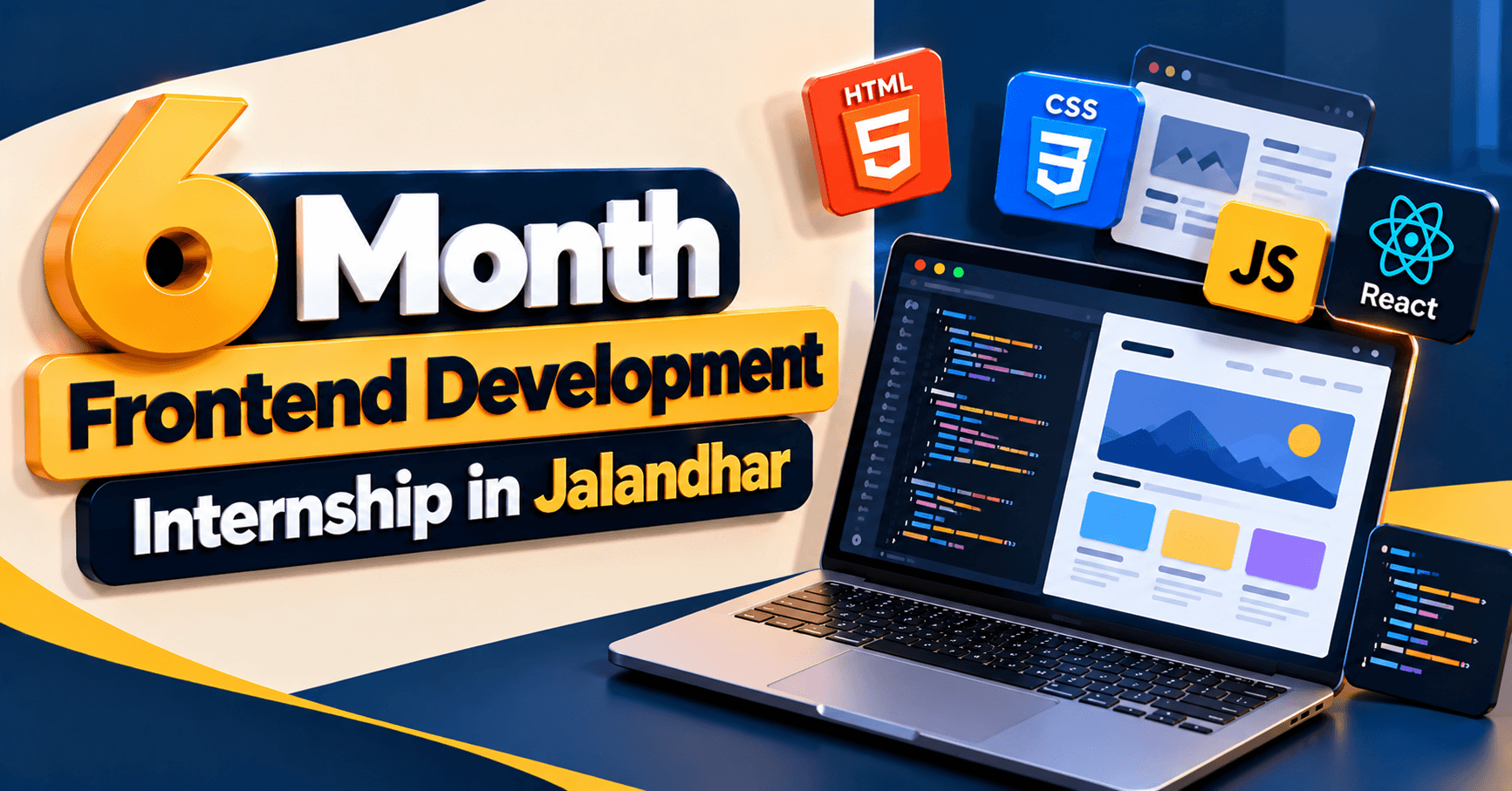
Turn your ideas into user-friendly web experiences while developing your frontend coding and problem-solving skills.
Explore Frontend DevelopmentHave a questionabout this?
Leave your number and a counsellor will call you back — about batch timings, fees, EMI options, placement record, or which track fits your degree.
- Free career counselling, no registration fee
- Weekday, evening, weekend or 1-on-1 batches
- Internship letter and placement support
Ready to get started?
Start building yourcareer today.
Talk to a counsellor today. One call is usually enough to know which track fits your degree, your schedule and the job you want.
- Free career counselling
- No registration fee
- Placement support included