6 month PHP training in Jalandhar
Explore 6 Month PHP Training in Jalandhar at Techcadd. Learn PHP programming, form handling, database connectivity and dynamic website development.
On this page
- Understand What Happens After a User Clicks a Button
- Start With PHP Syntax and Programming Fundamentals
- Work With Forms and User Input
- Learn to Connect PHP With a Database
- Build Dynamic Pages Instead of Static Screens
- Understand Sessions, Cookies and User Accounts
- Explore Object-Oriented PHP
- Discover How PHP Supports Website Features
- Practise Debugging and Writing More Reliable Code
- Develop a Project That Demonstrates Your Skills
- Who Can Join Six-Month PHP Training?
- Career Directions After Learning PHP
- Why Consider Techcadd for PHP Training in Jalandhar?
- Begin Your PHP Learning Journey
Learn to Build Dynamic Websites With PHP
A website becomes more useful when it can do more than display information. Visitors may need to register an account, submit an enquiry, search for a product or access information saved in a database. These features require a way to process requests and work with data behind the scenes.
PHP is a server-side scripting language commonly used in web development. It can process form submissions, generate dynamic page content, communicate with databases and support the functionality of web applications.
6 Month PHP Training in Jalandhar is a learning option for students, graduates and beginners who want to explore server-side programming and understand how dynamic websites work. At Techcadd, learners can enquire about the current syllabus, practical exercises and technologies included in the programme.
Understand What Happens After a User Clicks a Button
Consider a simple registration form. A visitor enters their details and clicks Submit. The website needs to receive the information, validate it, decide what should happen next and return an appropriate response.
PHP can be used to handle these server-side tasks. Learning this process helps beginners understand the difference between the visible parts of a website and the logic that runs behind them.
During PHP training, learners can explore how requests and responses work, how PHP code is executed on a server and how dynamic content can be generated based on user input.
Start With PHP Syntax and Programming Fundamentals
Before building a complete application, it is important to understand the language itself. PHP provides programming features that help developers organise instructions, work with information and control how a program behaves.
Foundational topics may include variables, data types, operators, conditional statements, loops, arrays and functions. Learners can practise using these concepts to solve small programming problems and build confidence with the syntax.
For example, a basic exercise might calculate a total, check whether a form field is empty or display a message based on a user's selection. These small tasks introduce the logic used in more complex applications.
Work With Forms and User Input
Forms allow visitors to send information to a website. They are used for contact enquiries, registrations, login pages, feedback and many other interactions.
PHP can receive submitted form data and process it on the server. Learners can practise handling form fields, checking required values, validating inputs and displaying useful feedback when information is missing or incorrect.
They should also understand that user input cannot simply be trusted. Server-side validation, appropriate output handling and secure coding practices are important parts of developing reliable web applications.
Learn to Connect PHP With a Database
Many websites need to store information beyond a single page view. A training portal may need student records, a shop may need product details, and a contact system may need to manage enquiries.
PHP applications can connect to databases such as MySQL to store, retrieve, update and delete information. Learners can explore database fundamentals, table structures, queries and the way application code communicates with stored data.
A practical exercise could involve creating a small record-management application that adds information through a form and displays saved records on a webpage. The exact database tools covered should be confirmed in Techcadd's current syllabus.
Build Dynamic Pages Instead of Static Screens
A static page generally displays the same prepared content until it is edited. A dynamic page can display information based on a request, a database record or other application logic.
PHP can generate content according to the information available to the application. This makes it useful for features such as product listings, user dashboards, search results and content-driven pages.
Learners can practise separating reusable page sections, displaying database records and handling different conditions. These exercises help demonstrate how server-side programming contributes to a website's functionality.
Understand Sessions, Cookies and User Accounts
Some web applications need to remember information between requests. For example, a login system needs to recognise an authenticated user as they move between pages.
PHP supports mechanisms such as sessions and cookies for handling certain types of state. Learners can explore their purpose and understand how they differ.
Login-related exercises should also introduce secure password handling, access checks, session management and the importance of protecting user information. These topics are essential when moving beyond simple demonstration projects.
Explore Object-Oriented PHP
As applications become larger, organising code becomes increasingly important. Object-oriented programming provides a way to structure related data and behaviour using classes and objects.
Depending on the course syllabus, learners may explore classes, objects, properties, methods, constructors and access control. They can practise organising related functionality into reusable components rather than placing all application logic in one long script.
Understanding these concepts can make it easier to read, maintain and extend PHP projects as their complexity increases.
Discover How PHP Supports Website Features
PHP can be used in many kinds of web applications. Examples include enquiry forms, registration systems, content management tools, inventory applications and basic administrative dashboards.
A practice project may combine form handling, validation, database operations and dynamic page output. By connecting these elements, learners can understand how individual programming concepts work together in a functioning application.
Depending on the syllabus, the course may also introduce related tools or development practices. Ask Techcadd which frameworks, libraries and database technologies are actually included rather than assuming every PHP ecosystem tool is covered.
Practise Debugging and Writing More Reliable Code
A website feature may fail because of a syntax error, an unexpected value, a database connection problem or incorrect application logic. Developers need to identify the cause instead of making random changes.
PHP practice can include reading error messages, checking variable values, testing conditions and examining database queries. Learners can also practise testing normal inputs, missing values and unexpected submissions.
Good coding habits include keeping code organised, validating inputs, using appropriate database query techniques and avoiding the exposure of sensitive information. These habits are useful throughout a developer's career.
Develop a Project That Demonstrates Your Skills
A project gives learners an opportunity to combine programming concepts in one application. It can also help them explain their approach to a technical problem.
Possible practice projects include a contact enquiry system, a student record manager, a basic product catalogue or a simple content management application. Depending on the project, learners may need to design forms, process input, connect a database and display information dynamically.
These are examples of project ideas, not a guarantee of the assignments offered in the course. Ask about the current project work and whether learners receive guidance and feedback.
Who Can Join Six-Month PHP Training?
PHP training may be suitable for:
B.Tech, BCA and MCA students interested in web programming
Graduates exploring entry-level development roles
Beginners who want to understand server-side coding
Learners who already know basic HTML and want to go further
Aspiring backend developers
Web designers interested in adding dynamic features to websites
The required starting knowledge depends on the programme. If you are new to coding, ask whether the course begins with programming fundamentals and what preparation is recommended.
Career Directions After Learning PHP
PHP is used in web development, so the skills gained may be relevant to junior PHP developer, backend developer or web developer roles, depending on the learner's broader knowledge and project experience.
Career opportunities vary by employer and role. Employers may expect additional knowledge of HTML, CSS, JavaScript, databases, version control, application security or a PHP framework. A portfolio that demonstrates working code can help show what you are able to build.
Training is one step in the learning process; continued practice, problem-solving and technical development remain important.
Why Consider Techcadd for PHP Training in Jalandhar?
When comparing training programmes, look at the actual learning experience rather than the course duration alone. Ask how much time is dedicated to coding practice, whether database connectivity is included, what projects learners complete and how assignments are reviewed.
At Techcadd Jalandhar, enquire about the latest PHP syllabus, the development environment used for practice, database topics and any additional technologies covered. You can also ask about class schedules, entry requirements and the support available while working on projects.
These details will help you decide whether the programme fits your current level and development goals.
Begin Your PHP Learning Journey
Learning PHP can help you understand how websites process information and provide features beyond static pages. With regular coding practice, you can build a foundation in server-side programming, database interaction and dynamic web application development.
If you are searching for 6 Month PHP Training in Jalandhar, contact Techcadd for the current course details and syllabus. Review the practical work and technologies covered, then choose a learning path that suits your interests and goals.
Build the Logic Behind Dynamic Websites
Explore PHP programming, form processing, database connectivity, dynamic page generation and server-side application fundamentals.
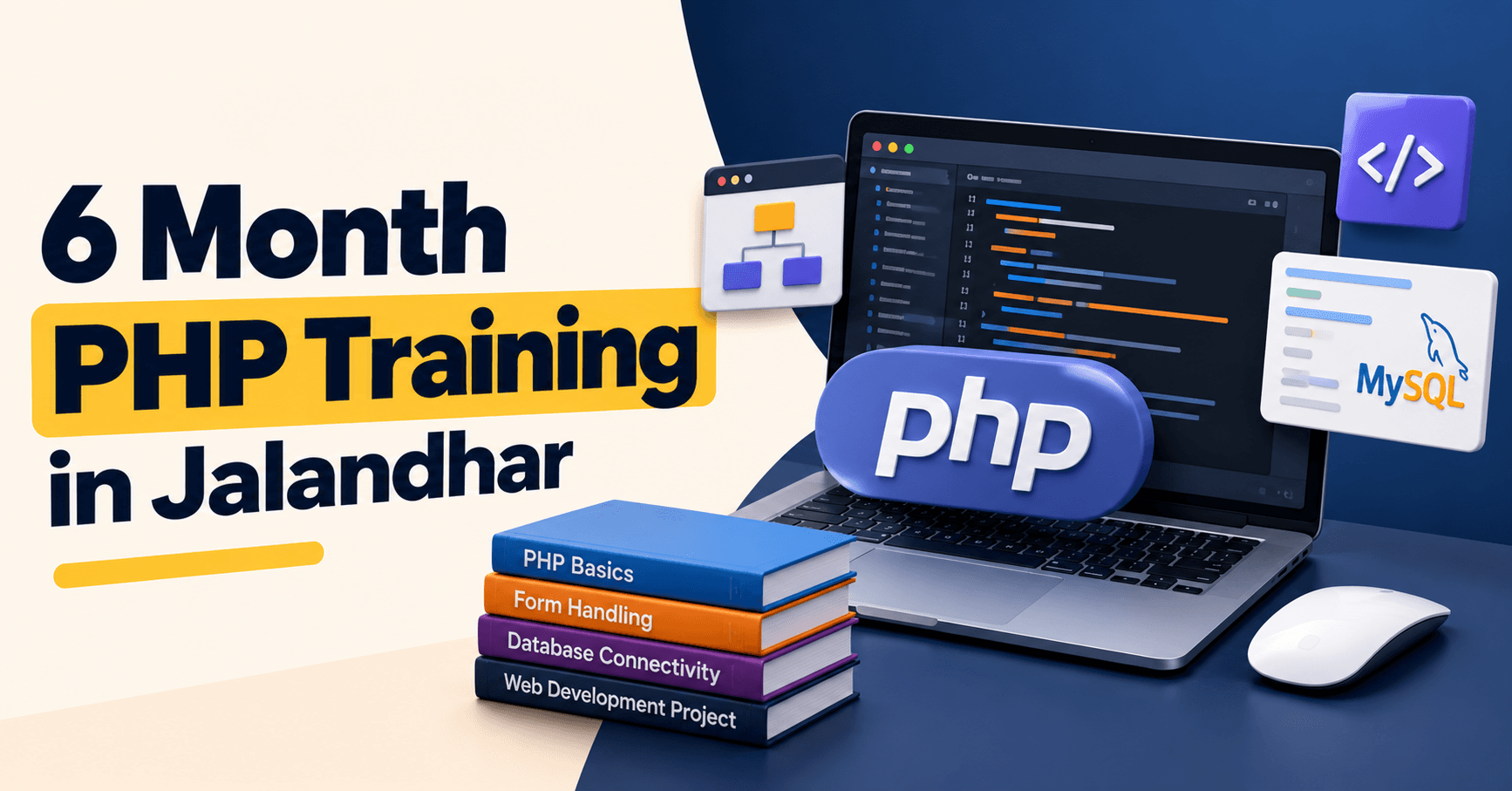
Move beyond static webpages and learn how PHP can process information, interact with databases and power useful website features.
Explore PHP TrainingHave a questionabout this?
Leave your number and a counsellor will call you back — about batch timings, fees, EMI options, placement record, or which track fits your degree.
- Free career counselling, no registration fee
- Weekday, evening, weekend or 1-on-1 batches
- Internship letter and placement support
Ready to get started?
Start building yourcareer today.
Talk to a counsellor today. One call is usually enough to know which track fits your degree, your schedule and the job you want.
- Free career counselling
- No registration fee
- Placement support included