Permission comes first
Every exercise runs against lab machines, intentionally vulnerable applications or PortSwigger's practice labs. Scanning or attacking anything else is illegal, whatever the intention.
Use a summer or winter break to get a structured introduction to cybersecurity and ethical hacking. Over 45 days you cover security foundations, networking, OSINT, malware and phishing awareness, how web applications work, the OWASP Top 10 with Burp Suite and PortSwigger labs, SQL injection basics and Nmap — every exercise in an authorised lab — and finish with a short assessment report.
A short introductory training, not an internship or a job guarantee. Every exercise runs in a permitted lab. Ask for the syllabus, session plan, fee and certificate details in writing before paying.
Overview
Cybersecurity protects systems, networks and data from misuse; ethical hacking is the authorised side of offence — finding weaknesses with permission so they can be fixed. A 45-day training is a focused, practical introduction: enough to understand how networks and web applications are attacked and defended and to complete a small documented lab assessment, not enough to become a security professional.
Three different things share similar names. Introductory practical training teaches you a skill through guided labs and a mini project. A university industrial training requirement is an academic rule your college sets and assesses. An employment internship is supervised work inside an organisation. Ask which one a programme is, and check with your college what it accepts.
Every exercise runs against lab machines, intentionally vulnerable applications or PortSwigger's practice labs. Scanning or attacking anything else is illegal, whatever the intention.
A tool's output means little without knowing the protocol behind it. The aim is to understand what you are seeing, not to memorise commands.
This is instruction with guided lab practice and a mentor checkpoint each day. It does not involve client systems or employment, and it is described that way in every document.
If you need academic industrial training credit, get written approval from your college before joining. Only your college decides what counts.
Who can apply
Every batch starts with an entry assessment, so the pace matches what you already know. Check your college requirements, laptop access and timetable before enrolling.
Connect computer networks, operating systems and web technologies subjects with hands-on lab work during a summer or semester break.
Build from familiar computer applications topics toward networking basics, web security and a documented lab report.
Get a practical grounding in web application security and use the mini project to practise structured reporting.
Apply systems knowledge to security questions, with emphasis on evidence, method and clear documentation.
An early, structured look at cybersecurity, so you can decide whether to go deeper in later semesters.
No coding is needed to start — the training begins with foundations and networking. Expect extra self-study time and confirm this with the entry assessment.
Why 45 days?
Forty-five days fits a summer or winter holiday window and is long enough to cover the foundations and complete a lab assessment. It is a starting point: there is no promise of mastery, a job or academic credit.
Six to seven weeks fit most college breaks, so you can train without missing classes or examinations.
Networking, the command line and how the web works are the ground every attack and defence stands on — and the part most worth getting right early.
Find out whether web security, network testing or defensive work appeals to you before committing to a longer programme.
Scope, permission, evidence and a clear written report — habits that matter more than any single tool.
Forty-five days gives you a structured introduction and a mini project, not job readiness or a vendor certification.
Tools & technologies
Drawn from the first half of the centre's cybersecurity syllabus: foundations and networking first, then OSINT, malware and phishing awareness, web technologies, web application testing and Nmap basics. Ethics, scope and permission run through every session. Ask for the session plan for your batch.
The CIA triad, the phases of ethical hacking, the law and ethics of testing, and an isolated virtual lab in VMware.
Essential command-line use, how proxies and VPNs work, and basic Windows security settings.
The OSI and TCP/IP models, IP addressing, ports, TCP and UDP, DNS, HTTP and firewalls, with a first look at packets in Wireshark.
Open-source intelligence with Maltego and search operators — and what is legal to collect and what is not.
How malware, keyloggers and trojans spread, the WannaCry case study, phishing types, email headers and how to recognise and report a phishing attempt.
HTML, PHP, databases, HTTP requests and responses, cookies and sessions — how a web application actually works before you test one.
Intercepting and modifying requests, the repeater workflow and the most common web risks, practised on PortSwigger labs.
How SQL injection arises and how developers prevent it, plus host discovery and port scanning against lab targets in scope.
Syllabus & learning roadmap
The pace depends on your entry assessment. Each day follows the same pattern: a clear objective, a guided practical in the authorised lab, an independent task and a mentor checkpoint. Nothing is ever tested outside the lab or PortSwigger's practice labs.
Entry assessment, the CIA triad, the law and ethics of testing, the phases of ethical hacking, an isolated VMware lab, command-line basics, proxies and VPNs.
The OSI and TCP/IP models, IP addressing, ports, TCP and UDP, DNS, HTTP and firewalls, Windows security settings and a first look at packet captures in Wireshark.
Open-source intelligence with Maltego and search operators, what is legal to collect, then how malware, keyloggers and trojans work, with the WannaCry case study.
HTML, PHP, databases, HTTP requests, cookies and sessions; phishing types, email headers and tracing, and how to recognise and report an attempt.
The OWASP Top 10, intercepting and modifying requests in Burp Suite, and access control and authentication practice on PortSwigger labs.
SQL basics, how SQL injection arises and is prevented, guided SQLmap and PortSwigger practice, then host discovery and port scanning with Nmap against lab targets only.
Agree a written scope, assess a lab target or intentionally vulnerable application, document findings and fixes, write the training report and present it for evaluation.
Training vs internship vs industrial training
Colleges use “summer training”, “industrial training” and “internship” differently. Your university handbook and department coordinator decide what counts — not the programme title.
The mini project
Certificates & deliverables

Issued on finishing the programme, with a QR code and certificate ID anyone can verify.

A separate certificate naming the live project you designed and built during training.
Project ideas
Each is sized for the final week and runs only in the authorised lab or on intentionally vulnerable targets: agree a written scope, record your method and evidence, and finish with a short report and presentation.
Map a small virtual lab network with Nmap and document the services you find and how to reduce exposure.
Capture lab traffic in Wireshark and explain a DNS lookup and an HTTP request step by step.
Solve a set of beginner PortSwigger labs and write up the cause and fix for each.
Test an intentionally vulnerable web application against selected OWASP Top 10 risks with Burp Suite.
Demonstrate SQL injection on a lab application and show the parameterised-query fix.
Analyse sample phishing emails for header, link and attachment indicators and write a short guide for students.
Using only public information about a fictional or consenting organisation, show what an attacker could learn and how to reduce it.
Explain how WannaCry spread, what it exploited and which basic controls would have limited it.
A practical guide to passwords, multi-factor authentication, updates and backups, tested against your own lab machine.
How to apply
Six steps, so you know what is agreed before you pay and how you are assessed at the end.
Share your degree, semester, holiday dates and whether your college requires academic training.
Discuss your goals, the format, timings, fee, lab code of conduct and documents, and ask for the syllabus and session plan.
A short entry assessment of your computer, networking and web basics to set the pace.
Agree the session plan and the level of the mini project based on your assessment.
Set up the lab, agree the rules of engagement, and go through attendance, conduct and evaluation rules.
Daily checkpoints, an attendance record, a final presentation and written feedback on your report.
College requirements
Ask your training and placement cell or department coordinator what they need before paying, and ask techcadd to confirm which documents it can genuinely issue.
Requirements differ between universities and departments. Get written college approval first if the training must count towards an academic requirement, and do not assume an institute certificate alone satisfies it.
Dates & batches
The most common window — the break after even semesters usually fits a 45-day schedule.
A shorter break may need a slightly more intensive timetable or a split schedule. Ask what is possible.
Daily weekday sessions move faster; weekend-only batches take longer to cover the same 45-day plan.
Ask for the actual start date, session timings and holidays for your batch rather than relying on an “admissions open” banner.
Eligibility, fees & what is included
No fee is published here. Ask for the current fee in writing and exactly what it includes before you pay.
Basic computer skills are enough to start; no prior security or coding experience is assumed. Comfort with networking concepts helps, and complete beginners should plan for extra self-study.
Career scope
Roles you might work towards with further study and practice — not roles this training promises:
Forty-five days gives you a structured introduction and a mini project. It does not guarantee employment; a longer programme, documented lab work and, later, recognised certifications support future applications.
Continue on PortSwigger labs and your own isolated lab, writing up each exercise.
The six-month cybersecurity programme adds penetration testing, cross-site scripting, cryptography, digital forensics, Python and a full capstone.
Use what you enjoyed most — web testing, networks or defence — to choose your next course or certification.
Why students consider techcadd
Ask about trainer experience, batch size, practical lab time, how the lab is isolated and how the mini project is reviewed — and ask to see sample reports shared with permission.

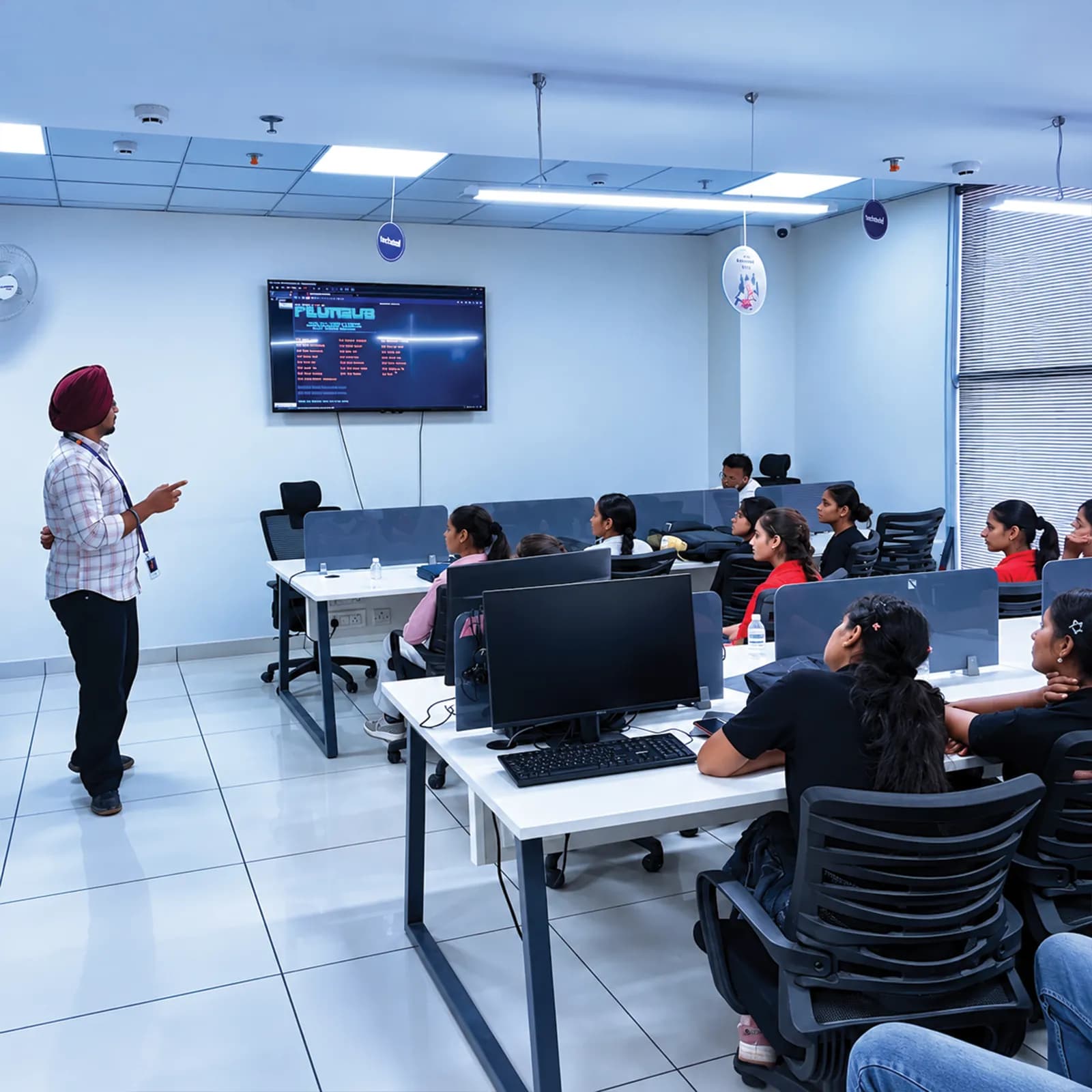
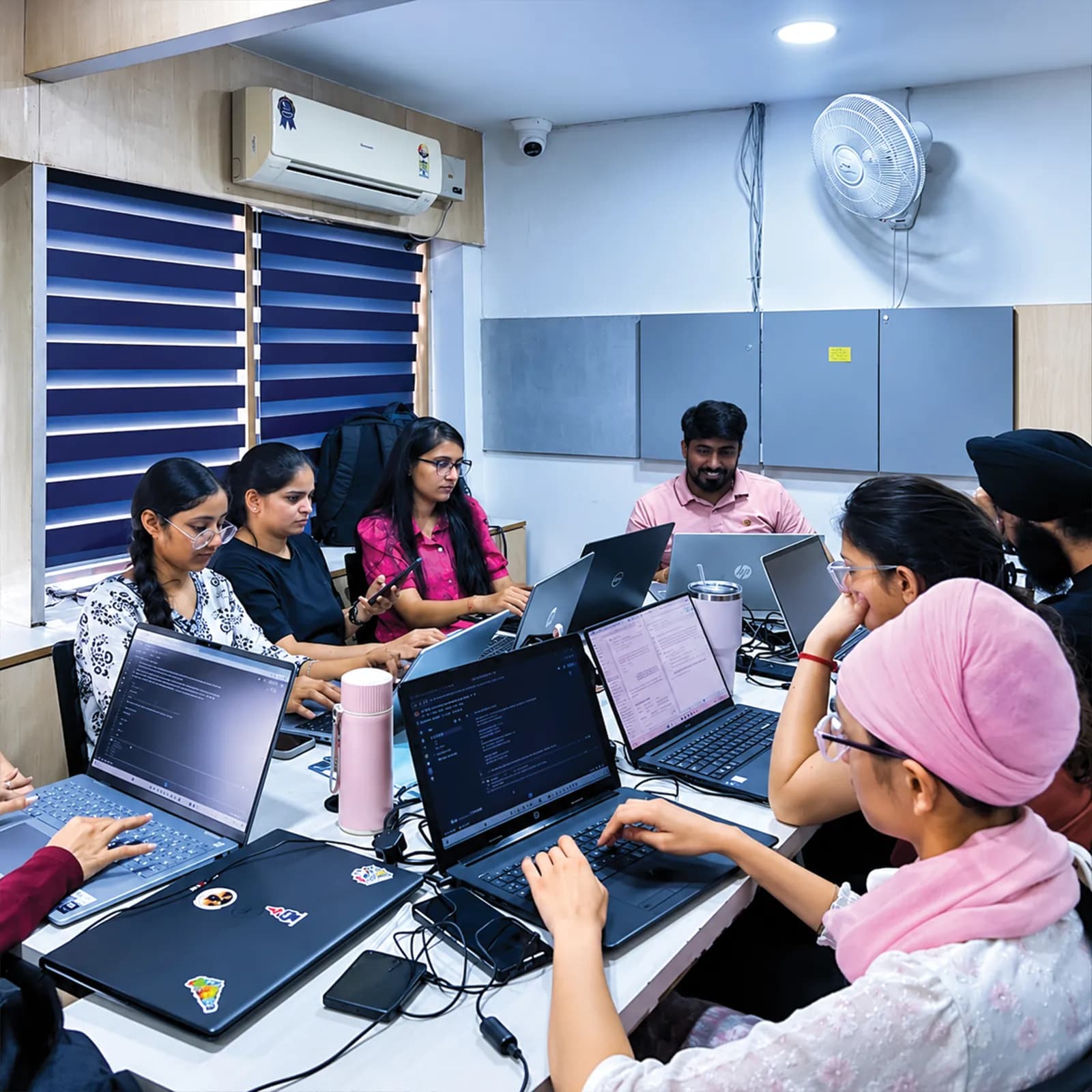
The 45 days follow the first half of the centre's own cybersecurity syllabus.
Every exercise is authorised and runs in a permitted lab, so you learn professional habits along with the techniques.
Every day ends with a mentor checkpoint, so problems are caught early.
Visit the centre, meet the trainers and look at the labs before you confirm a batch.
The centre is at 2nd Floor, Crystal Plaza, SCS 78, Opposite PIMS Hospital, Jalandhar. Check your travel time against your holiday plans, and ask about counselling hours before you visit.
techcadd Jalandhar — 2nd Floor, Crystal Plaza, SCS 78, Opposite PIMS Hospital, Jalandhar, Punjab 144001Frequently asked questions
Answers can differ by degree, semester and batch — confirm any academic requirement with your college.
Testing is legal only with explicit permission from the system owner. Every exercise in this training runs in a permitted lab or on PortSwigger's practice labs — never against systems without written permission.
Cybersecurity covers protecting systems as a whole; ethical hacking is the authorised testing part of it.
It is enough for a structured introduction and a small lab assessment. It is not enough to become a security professional; that takes a longer programme and continued practice.
Foundations, networking, OSINT, malware and phishing awareness, web technologies, the OWASP Top 10 with Burp Suite and PortSwigger labs, SQL injection basics and Nmap, using VMware, Wireshark, Maltego and SQLmap. Ask for the session plan for your batch.
A widely used list of the most common web application security risks, such as injection and broken access control.
No. The training starts with foundations and networking. Python is covered in the six-month programme.
Summer training is instruction with guided practice and a project. An internship is supervised work inside an organisation. This programme is training.
Only your college or university can confirm that. Get written approval before joining if you need academic credit.
Ask techcadd which documents it can issue, including a joining letter, and whether they can follow your college's format.
Ask about lab availability and the recommended specification for running virtual machines if you practise at home.
Yes, first-year students can enquire. The entry assessment sets the pace to match what you already know.
Yes, motivated beginners can start with the foundations, but should expect extra self-study during the 45 days.
Some topics overlap with entry-level certifications, but this training is not a vendor certification. Check each exam's own syllabus.
Confirm the exact certificate wording and the attendance and assessment criteria for receiving it.
No. A 45-day training is an introduction, and no placement or job is guaranteed.
Keep practising in legal labs, or move on to the six-month cybersecurity programme, which continues the same syllabus.
Send an enquiry from this page or call +91 98881 22254, share your degree and holiday dates, and ask for the syllabus and session plan.
techcadd Jalandhar is at 2nd Floor, Crystal Plaza, SCS 78, Opposite PIMS Hospital, Jalandhar, Punjab 144001. Visit for counselling before you confirm a batch.
Apply
Looking for 45 days cybersecurity training in Jalandhar, ethical hacking summer training or a short introduction to web security? Tell us your degree, semester, holiday dates and goals, and request the syllabus, session plan, lab set-up and document details before you enrol.