Introductory practical training
Guided sessions and lab practice at the centre, ending in a dashboard mini project. A structured start in data analytics — not mastery, and not job readiness.
Use a summer or winter break to learn how analysts turn raw data into answers. Clean data in Excel and Google Sheets, query it with SQL, explore it with Python and pandas, chart it clearly and finish with a Power BI or Tableau dashboard you can explain.
Batch dates, fees, syllabus and academic documents depend on the current programme. Ask for them in writing before enrolling.
Overview
A short, practical introduction to the analyst's workflow: defining a business question, cleaning data, summarising it with formulas, pivots and SQL, exploring it in Python, and presenting it in a dashboard. It is designed for a holiday or semester break, not as a replacement for a longer programme.
Introductory practical training, a university industrial training requirement and an employment internship are three different things. Know which one you need before you choose a batch.
Guided sessions and lab practice at the centre, ending in a dashboard mini project. A structured start in data analytics — not mastery, and not job readiness.
Some colleges require summer or industrial training with set hours, a report and a viva. Only your college decides whether this training satisfies that requirement.
Supervised work for a host organisation, sometimes paid. This programme is training at a training centre, and is described that way on every document.
Confident spreadsheet work, SQL queries you understand, basic pandas, honest charts and one documented dashboard project.
Who can apply
Short training suits students who want a structured start during a break. An entry assessment places you at the right pace, whatever your degree or semester.
Turn database and programming subjects into SQL queries and a dashboard, and meet a summer or industrial training slot with a project you built yourself.
Build on spreadsheets and introductory programming with SQL, pandas and Power BI — a practical bridge into reporting work.
Use a break to add an analytics project to your profile, or to test whether analytics suits you before a longer programme.
Analytics is close to business questions. Students from commerce and management backgrounds often find it a natural fit.
An early, practical skill for your first long holiday. Spreadsheets come first, so nothing beyond school maths is assumed.
Analytics starts in Excel and Google Sheets before any code. The entry assessment decides how much Python foundation you need.
Why 45 days?
Forty-five days fits a college holiday and is long enough to build one clear dashboard from raw data. It is not long enough for mastery — and we will not pretend otherwise.
Summer and winter breaks leave time for daily sessions and practice without competing with semester exams.
You take one dataset from messy source to cleaned table, SQL summary, charts and dashboard, end to end.
Spreadsheets, SQL and clear charts are useful in almost any role, even if you do not continue into analytics.
Forty-five days does not promise expertise, a job or academic credit. Credit depends on your college; jobs depend on much more than one short training.
What you will learn
Nine tools at introductory depth, in the order an analyst uses them: spreadsheets first, then SQL and Python, then dashboards. Ask for the session plan for your batch.

Cleaning, formulas, lookups, sorting, filtering, pivot tables and simple charts.
Shared spreadsheets, collaboration, basic functions and quick summaries in the browser.
SELECT, WHERE, GROUP BY, aggregates and simple joins to answer business questions.
Enough Python — variables, loops, functions and files — to work with data in a notebook.
Loading data, filtering, grouping, handling missing values and duplicates.

Bar, line and distribution charts, and how to avoid misleading visuals.

Importing data, building visuals, simple measures, filters and a one-page dashboard.
Defining a metric before measuring it, and presenting findings and their limits in plain language.
Excel MatplotlibSeabornPower BI / Tableau
Syllabus & learning roadmap
An indicative plan — the pace depends on your entry assessment, and the current batch's session plan is what counts. Each day follows the same pattern: a clear objective, a guided practical, an independent task and a mentor checkpoint.
Entry assessment, what analysts do, Excel and Google Sheets basics, data types, sorting and filtering.
Formulas, lookups, cleaning messy data, pivot tables, simple charts and defining a KPI.
SELECT, filtering, sorting, GROUP BY, aggregates and simple joins on a small database.
Python basics in a notebook, then loading, cleaning, grouping and summarising data with pandas.
Matplotlib and Seaborn charts, averages, spread, distributions and correlation, with honest interpretation.
Importing data, building visuals, filters and simple measures, and designing a readable one-page dashboard.
Take a public dataset from raw file to dashboard, document your steps, present your findings and complete the final evaluation.
Training vs internship
Students search “summer training”, “industrial training” and “internship” for the same college requirement, but they are not the same thing. The name on a certificate does not decide whether your college accepts it.
The mini project
What you finish with
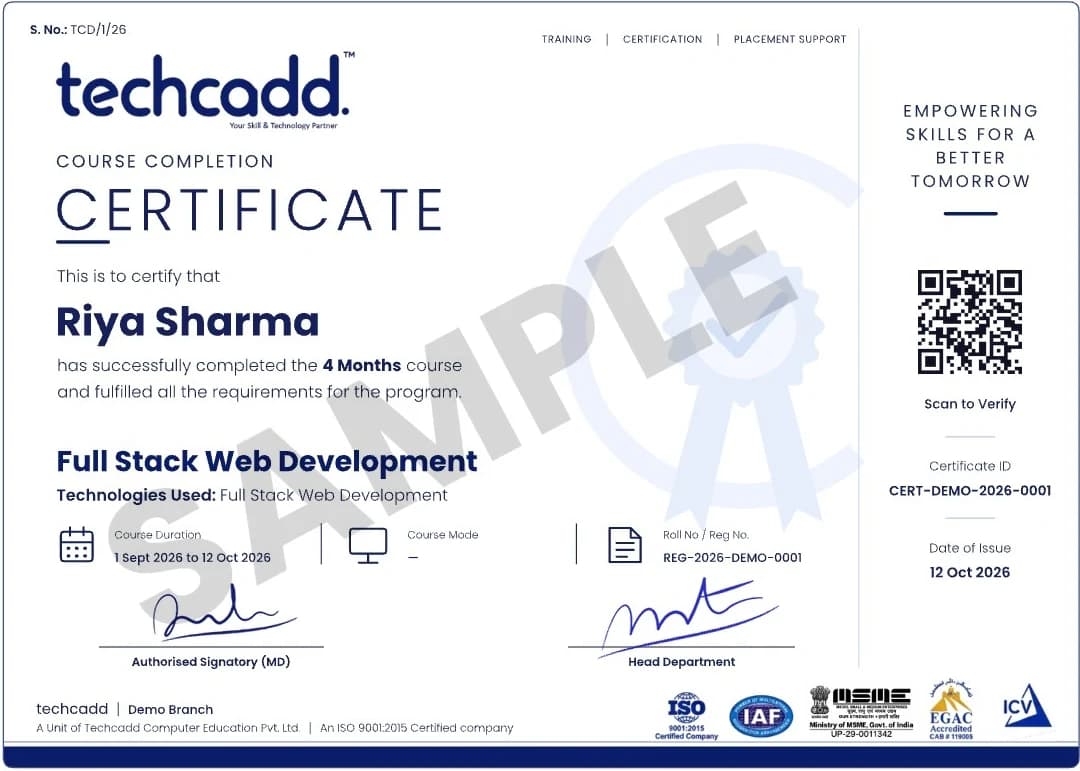
Issued on finishing the programme, with a QR code and certificate ID anyone can verify.
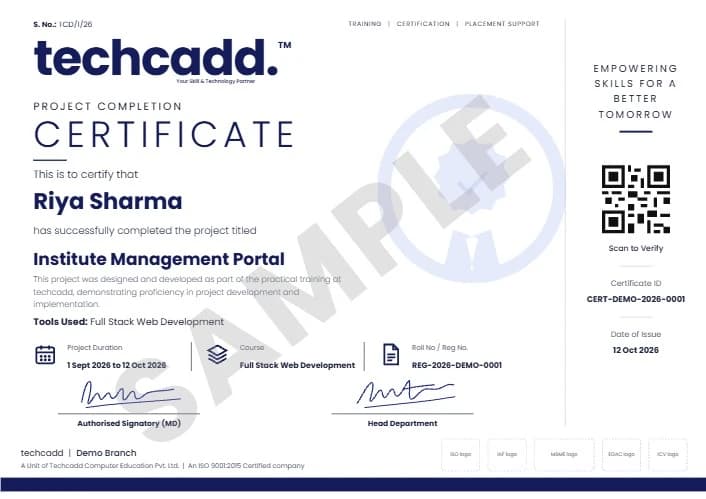
A separate certificate naming the live project you designed and built during training.
Project ideas
Each is small enough for the last week: a question, a public or synthetic dataset, a cleaning log, SQL or pandas summaries, a dashboard and three clearly stated findings.
Monthly sales, top products and regions from a public retail dataset in Power BI or Tableau.
Summarise anonymised or public marks by subject and term, without labelling individuals.
A Google Sheets tracker with categories, monthly pivots and a simple chart dashboard.
Busiest hours, best-selling items and average order value from a synthetic orders dataset.
Explore a public HR dataset for patterns in leaving rates, stating clearly what the data cannot show.
Query and chart player or match statistics with SQL and Seaborn.
Clean public weather data, handle gaps and chart seasonal patterns.
Return rates by category and month, with a KPI defined before you measure it.
Borrowing trends by genre and month from a small synthetic dataset, presented as a one-page dashboard.
How to apply
Six steps, so you know what is agreed before you pay and how you are assessed at the end.
Share your degree, semester, break dates and whether your college requires specific training documents.
Discuss training versus internship, batch options, workload and what the certificate will say.
A short entry assessment decides whether you need spreadsheet or Python foundations first.
Agree the session plan, the dashboard tool and the mini project scope, and get batch dates and fees in writing.
Set up your tools and understand attendance rules and evaluation criteria.
Daily checkpoints, a mini project review and a final evaluation, with feedback on what to learn next.
College requirements
Get your department's checklist first, then confirm in writing which of these techcadd can provide and in what wording.
If your 45 days counts towards academic or industrial training, get written approval from your college before you join. Only your college decides whether this training meets its requirement.
Batches & timing
The most common window for B.Tech, BCA and MCA students — usually after even-semester exams.
A shorter break may need a more intensive daily schedule, or a batch that continues into the semester.
Calendar days and teaching hours are not the same. Ask for the daily hours, holidays and any self-study component.
Weekday batches move faster; weekend batches spread the same content. Confirm start dates for your chosen batch.
Eligibility, fees & what is included
No fee is published here because it depends on the batch and format. Ask for the current fee in writing, along with exactly what it includes.
No prior coding is required for beginner batches. Basic computer skills, school-level maths and a willingness to practise every day help. The entry assessment sets your starting pace.
Career scope
Forty-five days is a starting point. These are roles you could work towards with further study and stronger projects — not roles this training qualifies you for:
No placement is promised. Hiring depends on your skills, projects, communication and each employer's criteria.
Rebuild your dashboard on a new dataset and keep adding SQL practice after the training ends.
Deeper SQL, statistics and dashboard design matter more than adding new tools.
The natural next step is the six-month data analytics internship and industrial training, with deeper SQL, Python and a portfolio capstone.
Why students consider techcadd
Ask to see the session plan, sample exercises, trainer background and example dashboards shared with permission before you decide.

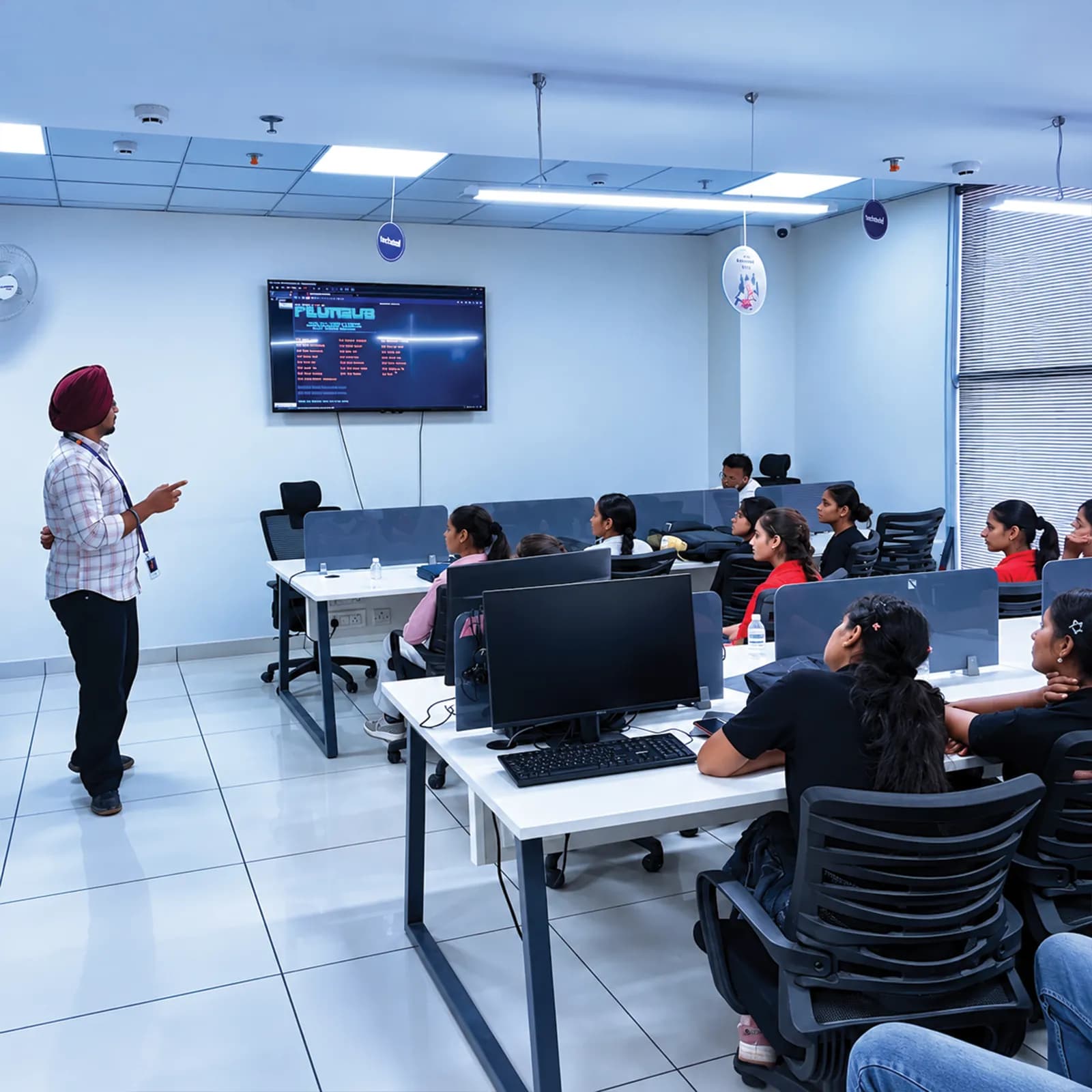
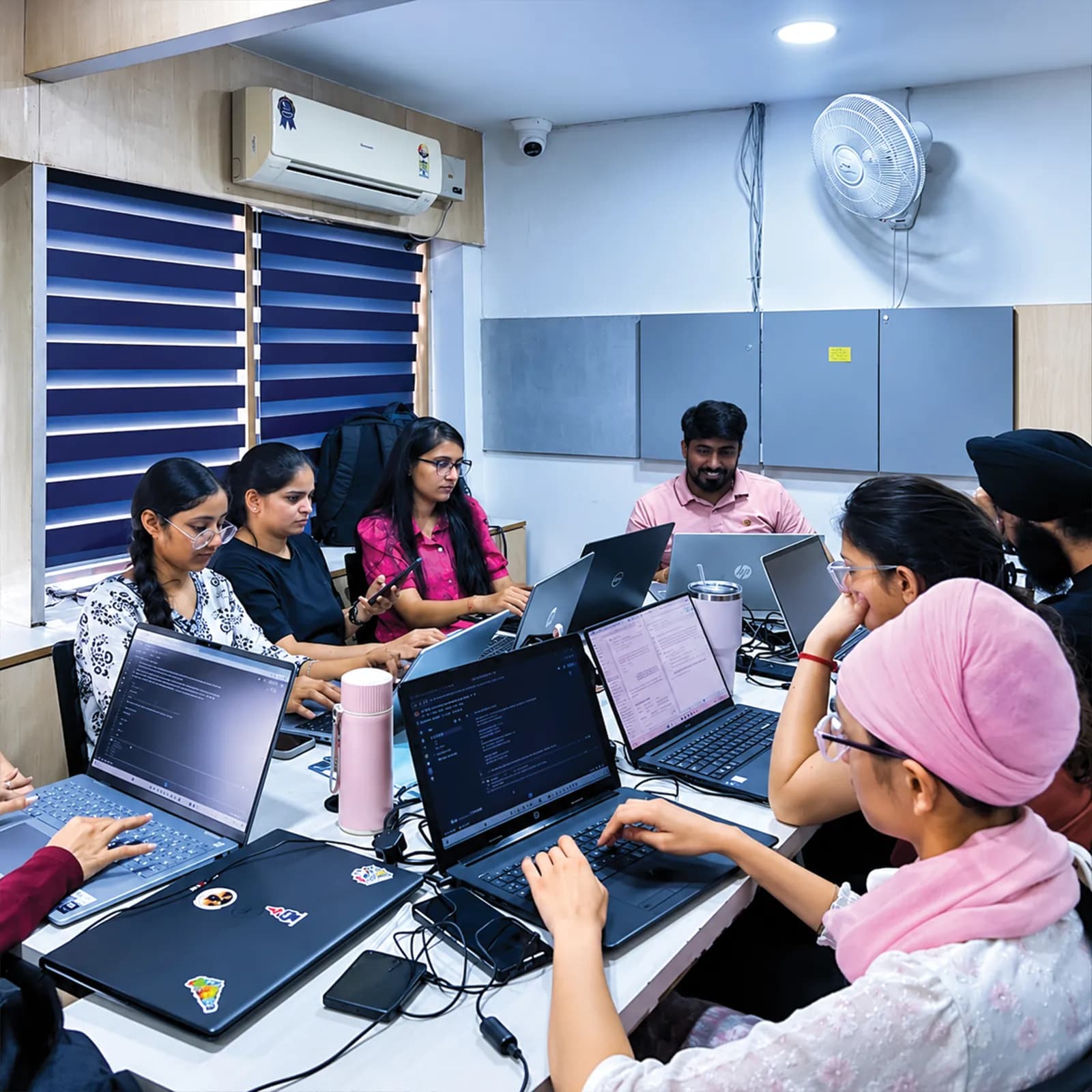
You start at a pace that matches your current skills, not a one-size-fits-all batch.
Each day ends with an independent task and a mentor checkpoint rather than notes alone.
Fees, documents, certificate wording and evaluation are explained before admission.
Visit the centre, meet the trainers and look at the lab before you confirm a batch.
techcadd Jalandhar is at 2nd Floor, Crystal Plaza, SCS 78, Opposite PIMS Hospital, Jalandhar, Punjab 144001. Students travel in from nearby towns during holidays — check the batch timing against your travel time before you join.
techcadd Jalandhar — 2nd Floor, Crystal Plaza, SCS 78, Opposite PIMS Hospital, Jalandhar, Punjab 144001Frequently asked questions
Answers depend on your college and the current batch — confirm anything academic directly with your department.
A short, project-led introduction to data analytics for college students: Excel, Google Sheets, SQL, Python with pandas, charts and Power BI or Tableau, ending in a dashboard mini project.
Enough for a structured introduction and one dashboard project, not for mastery or job readiness. Treat it as a strong start and keep practising afterwards.
It is training at a training centre, not an internship with an employer. Certificates and letters describe it as training.
Only your college can decide. Get its requirements and written approval before joining, and ask us which documents we can provide.
Ask during counselling. Confirm in writing which letters are available and their exact wording before you pay.
Excel, Google Sheets, Python, NumPy, Pandas, Matplotlib, Seaborn, SQL and Power BI or Tableau, at introductory depth. Ask for the session plan for your batch.
The dashboard module uses Power BI or Tableau. Ask which one your batch uses and whether it runs on lab machines or your own laptop.
No. Analytics starts in spreadsheets; Python comes later and is taught from the basics.
Yes, if you are motivated and can practise every day. The entry assessment decides how much foundation work you need.
Yes. Spreadsheets and SQL are a practical first skill for a long holiday; nothing beyond school maths is assumed.
Analytics focuses on cleaning, summarising and reporting data; data science adds statistics and predictive models. Both share SQL, Python and pandas.
Ask about lab access. A laptop helps with daily practice, but confirm the device requirements for your batch.
Ask whether the batch is fully taught or includes optional self-study, and how many hours a day are guided.
No. A 45-day training does not guarantee placement or a job. It gives you a structured start and a project to build on.
Fees depend on the batch and format and are not published here. Ask for the current fee, taxes, inclusions and refund policy in writing.
Send an enquiry from this page or call +91 98881 22254, share your degree, semester and break dates, and ask for the session plan and batch details.
techcadd Jalandhar is at 2nd Floor, Crystal Plaza, SCS 78, Opposite PIMS Hospital, Jalandhar, Punjab 144001. Visit for counselling before you confirm a batch.
Apply
Looking for data analytics summer training, winter training or a short industrial training slot? Share your degree, semester, break dates and college requirements, and ask for the session plan, batch dates and fees before you decide.