An app is more than its screens
A good-looking interface can still crash on a slow network, lose data on restart or leak a user's details. The goal is dependable apps, not copied UI tutorials.
Make your final semester count. Build real Android and iOS apps from one codebase with Flutter and Dart — layouts, state management, REST APIs, Firebase login and data, local storage and testing — through a structured six-month pathway, and check whether the format fits your university requirements.
Ask for the current fee, format, schedule, project supervision and certificate details in writing before enrolling.
Overview
Mobile app development means designing, building, testing and shipping software that runs on phones. Flutter lets one Dart codebase produce Android and iOS apps, so a student can concentrate on the skills that carry across platforms: clear screens, predictable state, reliable data and careful testing. Six months gives you time to take an idea from wireframe to a working, documented app.
A workplace internship usually includes supervised responsibilities in an organisation; industrial training centres on instruction, lab work and guided projects. Both can be valuable, but they are not interchangeable — ask who supervises the work, what deliverables are required and which documents your university accepts.
A good-looking interface can still crash on a slow network, lose data on restart or leak a user's details. The goal is dependable apps, not copied UI tutorials.
Flutter builds Android and iOS from the same Dart code. You still learn where the platforms differ — permissions, store rules and device testing.
Jalandhar students coordinate lab sessions with semester classes, examinations and final presentations. A nearby centre makes mentoring and code reviews easier to reach.
Compare mentor availability, project depth, feedback, assessment, timetable and clear administrative processes before choosing any six-month programme.
Who can apply
Whatever your degree, check eligibility, assessment standards, attendance rules, laptop or lab access and university permission before enrolling.
Connect object-oriented programming, data structures, networking and software engineering subjects with app architecture, API integration and testing.
Build from familiar programming topics toward Dart, Flutter widgets, Firebase and a portfolio-ready app you can demonstrate on a phone.
Explore structured state management, clean architecture, offline data, testing strategy, documentation and collaboration through Git.
Apply programming fundamentals to complete apps, with emphasis on data handling, error states and a clear user experience.
If you already know HTML, CSS or JavaScript, the ideas of layout, components and APIs carry over — Dart and the widget tree are the new parts.
Eligibility depends on starting skills, available time and academic requirements rather than a one-size-fits-all promise.
Why a six-month app path?
Widget layouts, asynchronous code, state management and debugging on real devices take repeated practice before they feel natural. A semester gives each of them room.
A semester-long plan leaves time for debugging, refactoring and review instead of rushing through demo apps.
A Git history, a working app build, screenshots, a short screen recording, API documentation and a README explaining how to run it.
Designs arrive in Figma, APIs change and bugs come back. Code reviews, branches and written notes teach you to work with designers and back-end developers.
Compare Flutter developer, Android developer, mobile QA and junior full-stack roles before committing to a specialisation.
A structured project helps you practise reporting and viva presentations — but acceptance as compulsory industrial training depends on your college or university.
Tools & technologies
Taught in the order an app developer meets them: Dart first, then Flutter screens and state, then data, Firebase, testing and release. Git runs through every module. Ask for the module-by-module list for your batch.
Variables, types, null safety, functions, classes, collections, futures, async and await — the language every Flutter screen is written in.
Stateless and stateful widgets, rows, columns, stacks, lists, forms, themes and responsive layouts that work across screen sizes.
Routes, passing data between screens, folder structure, separating UI from logic and keeping a growing codebase readable.
setState, then Provider or a similar approach, for sharing data across screens predictably — and knowing when each one is worth the extra code.
HTTP requests, JSON parsing into model classes, loading and error states, and testing endpoints in Postman before wiring them into the app.
Email and Google sign-in, Firestore reads and writes, security rules basics and keeping user data in sensible collections.
Shared preferences for settings and SQLite for structured data, so the app keeps working when the network does not.
Emulators, physical devices, debugging, logs, hot reload, build variants and reading crash messages calmly.
Unit and widget tests for core logic, plus reading Figma designs for spacing, colours and assets so the build matches the design.
App icons, signing, release builds and store listing requirements for Android and iOS, plus a short look at native Android with Kotlin.
Syllabus & learning roadmap
Each month ends in a deliverable. A typical week holds one concept lesson, one guided lab, one independent exercise and one review — confirm contact hours and mentor arrangements for your batch.
Installing Flutter, Android Studio and VS Code; Dart types, null safety, functions, classes, collections and async code; Git basics. Deliverable: a set of Dart exercises in a Git repository with a README.
Widget tree, layouts, lists, forms, input validation, themes, images and navigation between screens, built to a simple Figma design. Deliverable: a multi-screen static app that matches its design.
setState, Provider or a comparable approach, model classes, folder structure and separating UI from logic. Deliverable: a task or expense app with shared state and clean structure.
HTTP requests, JSON parsing, loading and error states, Postman checks, shared preferences and SQLite for offline data. Deliverable: an app that reads a public API and works offline.
Firebase authentication, Firestore, security rules basics, unit and widget tests, and a mentored project scope with checkpoints. Deliverable: a project draft with sign-in, stored data and tests.
Refine the project, test on real devices, prepare signed release builds and store listing material, and get a short introduction to Kotlin. Practise explaining widgets, state, async code and API handling. Deliverable: final app, report, demo video and review notes.
Course vs internship vs industrial training
Engineering colleges use “industrial training”, “six-month training” and “internship” differently. Your university handbook, department coordinator and academic policy decide what counts — not the programme title.
Real-world app projects
Certificates & deliverables
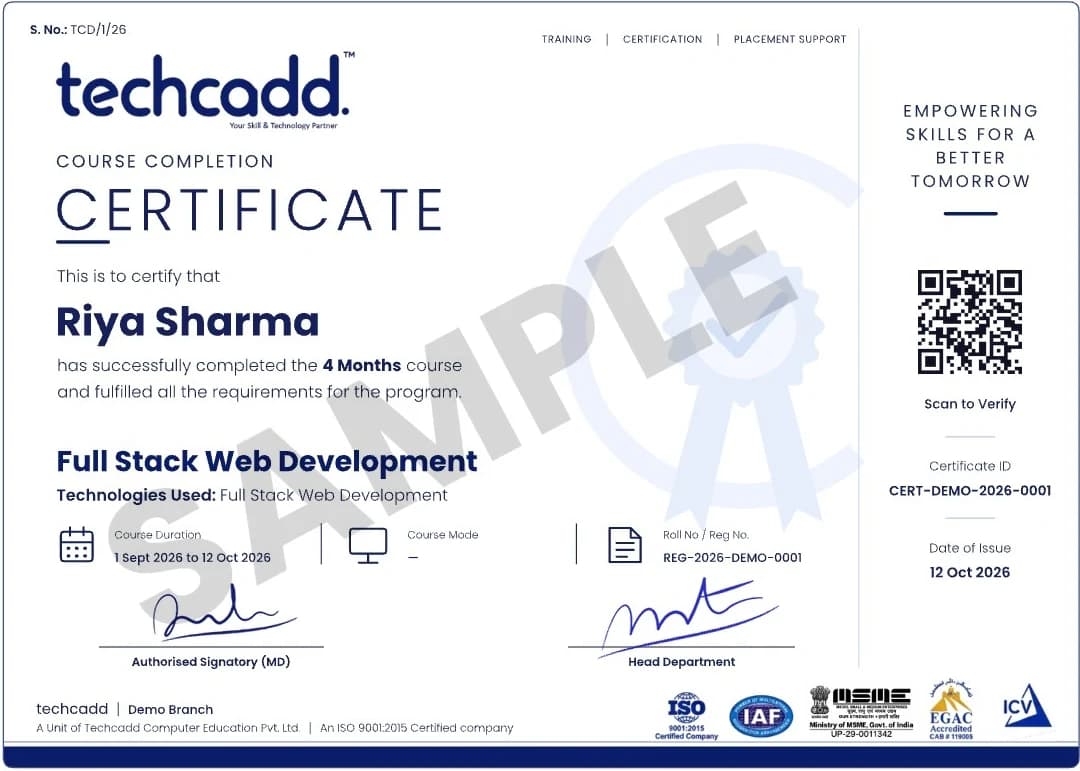
Issued on finishing the programme, with a QR code and certificate ID anyone can verify.
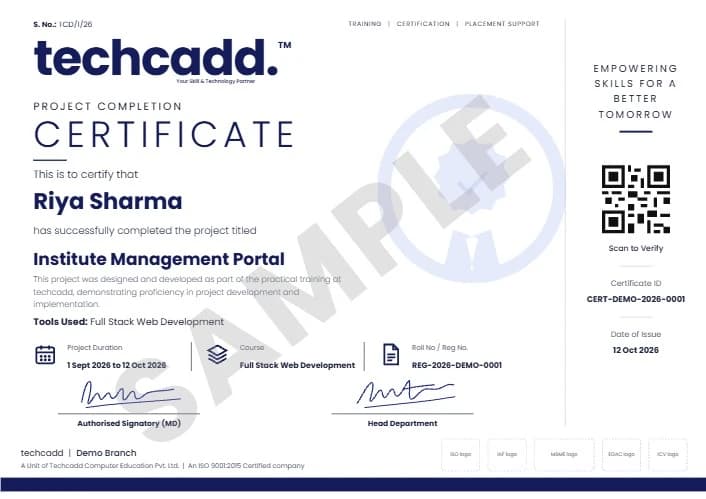
A separate certificate naming the live project you designed and built during training.
Project ideas
Each follows the same method: identify the user and the task they need to finish, sketch the screens, decide where the data lives, use public APIs, synthetic data or approved sources, and finish with a device demo, a test checklist and a short presentation.
Categories, monthly summaries and simple charts, stored locally with SQLite so it works offline.
Notices, timetables and reminders from synthetic or approved data, with Firebase sign-in for students.
A public weather API, location permission, loading and error states, and cached results.
Lists, detail screens, a cart with shared state and a mock checkout — no real payments.
Daily goals, streaks and notifications, with state management that survives app restarts.
Search, filters and favourites from a public books API, with offline favourites.
Event listings, sign-up forms with validation and Firestore-backed registrations.
Real-time messages with Firestore, sign-in, and sensible rules on who can read what.
Workout logs, progress charts and reminders, with privacy-aware handling of personal data.
How to apply
Six steps, so you know what is confirmed in writing before you pay and what is assessed at the end.
Share your degree, semester, preferred start month and whether your university requires a specific type of placement.
Review prerequisites, curriculum, format, hours, fees, project expectations and documentation.
Receive current programme details, policies and any required approvals before registration.
Begin with Dart and Flutter layouts, then state management, APIs and Firebase, with regular exercises.
Choose a suitable app idea, plan the screens and checkpoints, and receive structured code reviews.
Demonstrate the app on a device, explain your code and submit the report and portfolio materials.
University & college requirements
Ask your training and placement cell or department coordinator before paying, keep copies of written approvals, and ask techcadd to confirm which documents it can genuinely issue.
Requirements differ between universities and even departments. A practical checklist includes the department handbook, approval email, project scope, timetable, attendance method, evaluation rubric and final submission date. Do not assume an institute certificate alone satisfies a university internship requirement.
Duration, semester planning & batches
Six months can align with a final-semester calendar, but confirm the actual dates, weekly hours and holidays for your batch.
Plan around examinations, faculty reviews, report submission and commuting time.
Ask for the current intake month, batch format and seat availability rather than relying on an “admissions open” banner.
Guided labs are not enough on their own. Budget regular time each week for Dart exercises, building screens and debugging.
Eligibility, fees & what is included
Ask for the real programme fee in writing and what it includes. Compare total cost and the quality of supervision, not a headline discount.
Basic programming in any language helps; Dart is taught from the start. A laptop that can run Android Studio and an emulator makes independent practice easier. Building and testing for iOS needs a Mac, so ask how iOS is covered for your batch.
Career scope
Entry-level roles you might work towards — job titles, hiring criteria and salaries vary by employer:
A six-month programme does not guarantee employment; a credible portfolio and continuing practice support future applications.
Build screens from designs, connect APIs, manage state and fix bugs across Android and iOS from one codebase.
Go deeper into Kotlin, Android Studio and platform APIs once the cross-platform fundamentals are solid.
Apply the same skills to app testing and release, or extend into back-end APIs and databases behind the app.
Why students consider techcadd
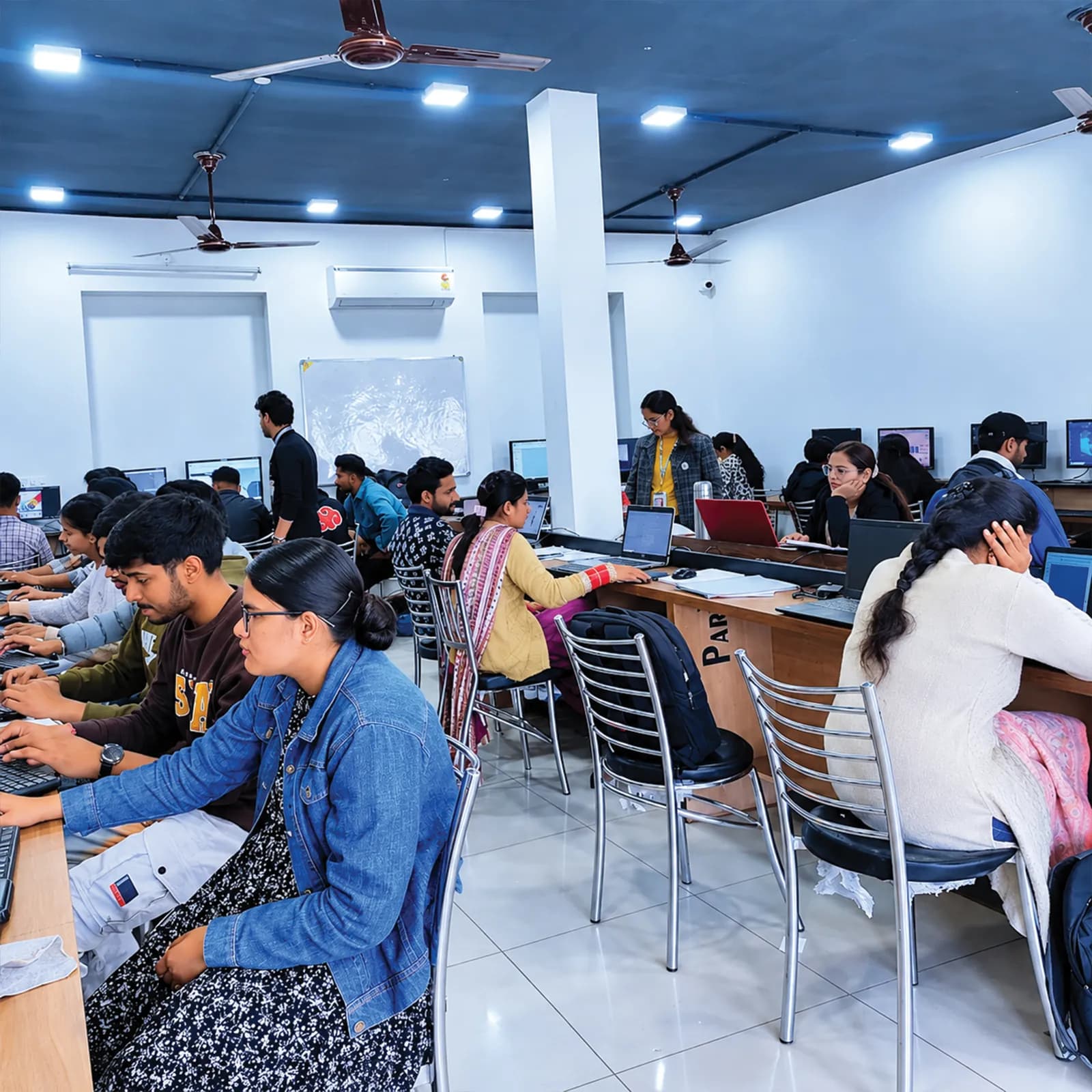
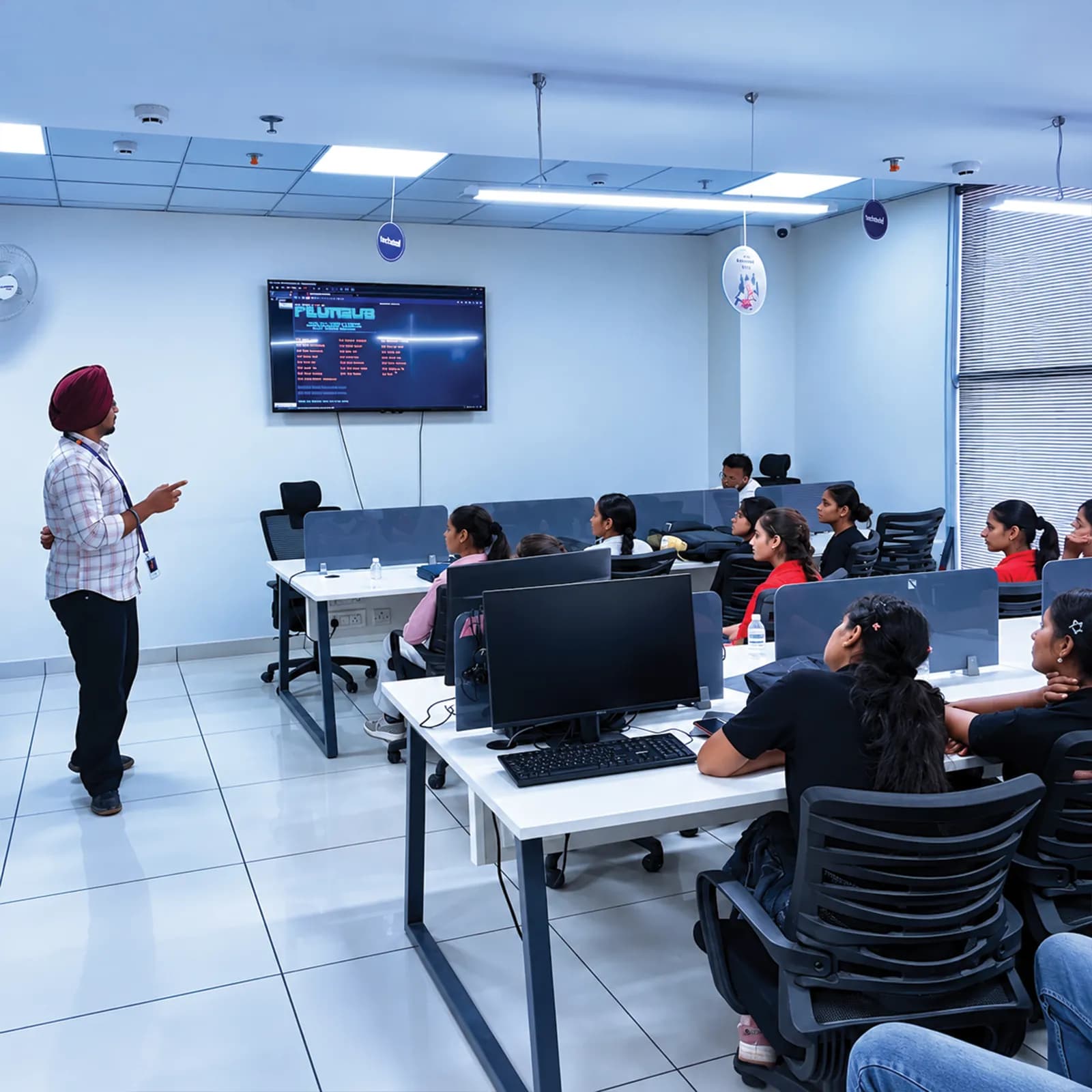
Ask about instructor experience, class size, practical lab time, access to test devices, code review and mentoring — and ask to see sample apps and student work published with permission.
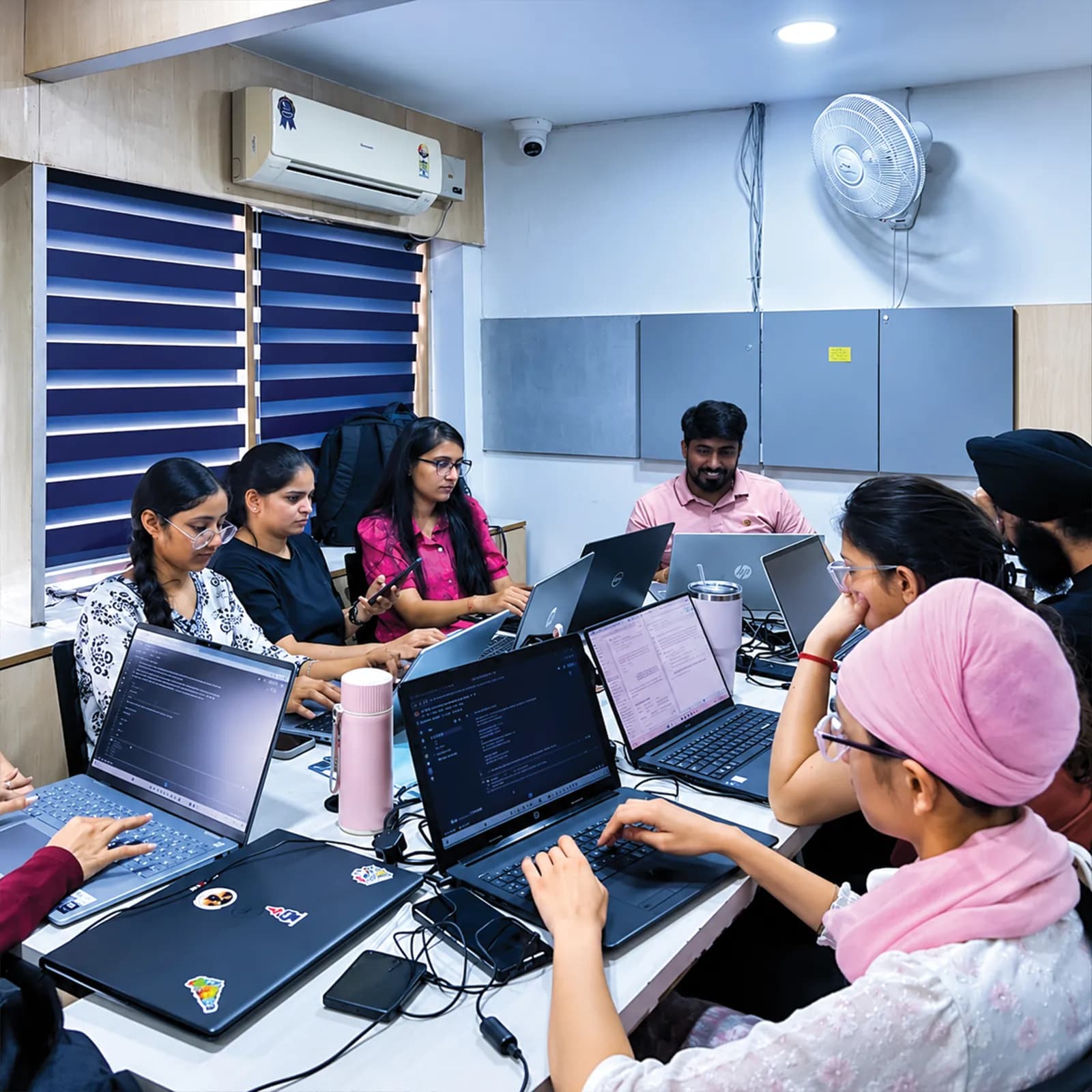
A deliverable at the end of every month, so you can see your progress and what is assessed.
Hands-on lab time in Flutter, Dart, Android Studio, Firebase, Postman and Figma, with Git throughout.
Fees, documents, project expectations and how outcomes are assessed — explained before admission.
Visit the centre, meet the trainers and look at the labs before you confirm a batch.
The centre is at 2nd Floor, Crystal Plaza, SCS 78, Opposite PIMS Hospital, Jalandhar. Ask about the learning format, counselling hours and public transport before you join, and check your travel time against your college timetable.
techcadd Jalandhar — 2nd Floor, Crystal Plaza, SCS 78, Opposite PIMS Hospital, Jalandhar, Punjab 144001Frequently asked questions
Answers can differ by degree, semester and batch — confirm any academic requirement directly with your institution.
You can enquire about the current Flutter app development programme at techcadd. Confirm whether it is a workplace internship or industrial training.
It may suit students who want applied programming, API and app architecture practice, subject to university requirements.
BCA students can often start with Dart basics before building full apps. Confirm the entry requirements.
A mobile app capstone can be appropriate if it meets the department's academic rules.
Flutter builds Android and iOS apps from one Dart codebase, which suits a six-month pathway. Native Android with Kotlin is introduced so you understand the difference.
Dart, Flutter, Android Studio, VS Code, Firebase, SQLite, REST APIs with Postman, Figma handoff, Git and GitHub, plus publishing basics and an introduction to Kotlin. Ask for the module-by-module list for your batch.
No. Dart is taught from the first month, though any prior programming makes the start easier.
Flutter code is shared, but building, signing and testing an iOS app needs a Mac with Xcode. Ask how iOS is covered for your batch.
Yes — authentication, Firestore and security rules basics are part of the pathway. Confirm the depth for your batch.
You learn how release builds and store listings work. Publishing to a store needs a developer account and the store's own review, so it is not promised.
Ask about lab availability. For independent practice, a laptop that can run Android Studio and an emulator comfortably is recommended.
Only if actual supervised client work is available and appropriately authorised. Ask for written details.
Confirm the exact document issued, the conditions, and whether it reflects actual work or training.
Only your college or university can confirm recognition for its academic requirements.
Request the current fee sheet and ask which services and assessment charges are included.
No. Evaluate any career support separately, and don't treat training as a job guarantee.
Objectives, requirements, screen design, architecture, data and API design, testing, results, limitations and references.
Send an enquiry from this page or call +91 98881 22254, share your degree and semester, and request the verified syllabus and joining details.
techcadd Jalandhar is at 2nd Floor, Crystal Plaza, SCS 78, Opposite PIMS Hospital, Jalandhar, Punjab 144001. Visit for a counselling discussion before you confirm a batch.
Apply
Looking for a 6 months mobile app development internship in Jalandhar, Flutter industrial training or a final-semester app project pathway? Tell us your degree, university requirements, preferred start month and learning goals, and request the syllabus, fee structure, project evaluation process and documentation before you enrol.