On this page
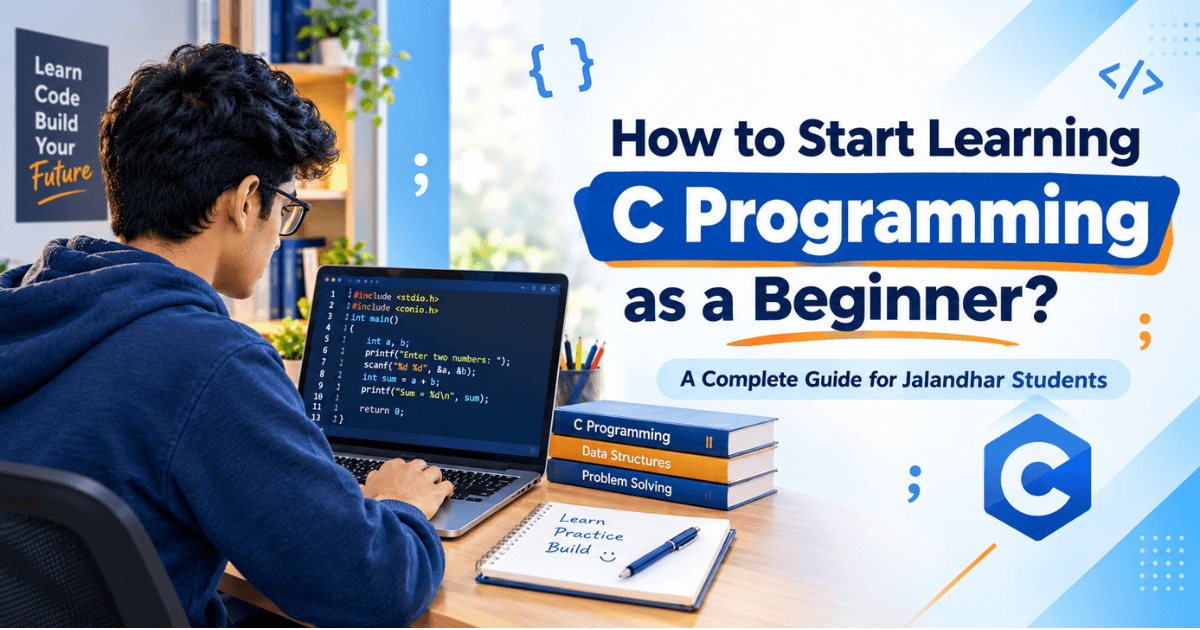
Why Pointers Still Scare Half the Class (And How to Finally Get Them)
If you've sat through a C programming class in Jalandhar and felt your brain short-circuit the moment pointers showed up, you're not alone. Almost every student hits this wall. One day you're comfortably writing loops and functions, and the next, your teacher says "a pointer stores the address of a variable" and suddenly nothing makes sense anymore.
Here's the thing — pointers aren't actually complicated once you stop trying to memorize the definition and start picturing what's really happening.
Think of your computer's memory as a long street of numbered houses. Every variable you create gets a house (an address) somewhere on that street. A normal variable is like asking, "What's inside house number 204?" A pointer, on the other hand, is like writing down the house number itself on a sticky note. So when you declare int *ptr = #, you're not copying the value of num — you're just noting down where num lives.
c
int num = 10;
int *ptr = #
printf("%d", *ptr); // prints 10, by going to the address and reading what's there
That in front of ptr simply means "go to that address and tell me what's stored there." Students usually get confused between & (give me the address) and (give me the value at that address). Once that distinction clicks, pointers stop feeling mysterious.
Why should you even care? Because pointers are the backbone of how C handles memory efficiently — something higher-level languages hide from you but C makes you understand directly. This is exactly why companies value C programmers: you're not just writing code, you're understanding how the machine actually works underneath it.
In the next part, we'll build on this and talk about dynamic memory allocation — where pointers really start proving their worth.
Dynamic Memory Allocation: Taking Control of Your Program's Memory
Once pointers start making sense, dynamic memory allocation is where things get genuinely interesting. Up until now, every variable you've declared has had a fixed size decided at compile time. But what happens when you don't know in advance how much data your program needs to handle? That's exactly the problem dynamic memory solves.
C gives you four functions for this: malloc(), calloc(), realloc(), and free(). Don't worry about memorizing all of them right away — understand what each one actually does for you.
c
int arr = (int)malloc(5 * sizeof(int));
if (arr == NULL) {
printf("Memory allocation failed");
return 1;
}
malloc() asks the operating system for a chunk of memory on the fly and hands you a pointer to it. calloc() does something similar but also initializes that memory to zero — useful when you don't want leftover garbage values messing up your logic. realloc() lets you resize memory you've already allocated, which comes in handy when your array needs to grow mid-program. And free() — this one's non-negotiable — gives that memory back once you're done with it.
Here's where most beginners slip up: they allocate memory and forget to free it. This causes what's called a memory leak. Your program keeps eating up memory it never returns, and in a small college assignment this might not crash anything, but in real-world applications running for hours or days, it can bring systems to a halt. A good habit to build early: every malloc() should have a matching free() somewhere in your code, no exceptions.
Another common mistake is using a pointer after you've already freed it — known as a dangling pointer. It compiles fine, it might even run fine a few times, and then one day it crashes unpredictably. Setting the pointer to NULL right after freeing it is a simple habit that saves hours of debugging later.
This is also the stage where students in Jalandhar preparing for technical interviews start standing out — recruiters notice when you genuinely understand memory management instead of just copying syntax from notes.
File Handling in C: Making Your Programs Actually Useful
Everything we've covered so far lives inside your program while it's running — the moment you close it, all that data disappears. File handling is what changes that. It's how your C programs start saving information permanently, reading it back later, and interacting with the outside world instead of just the console window.
C handles files through a structure called FILE, and four functions cover almost everything you'll need as a student: fopen(), fprintf()/fscanf(), fclose(), and sometimes fgets() for reading lines safely.
c
FILE *fp = fopen("students.txt", "w");
if (fp == NULL) {
printf("Error opening file");
return 1;
}
fprintf(fp, "Name: Rohan, Marks: 89\n");
fclose(fp);
The mode you open a file in matters more than beginners usually realize. "w" creates a new file or wipes an existing one clean — a mistake that's cost many students their saved data right before a submission deadline. "a" appends to a file without deleting what's already there, and "r" opens a file purely for reading. Mixing these up is one of the most common beginner errors, so always double-check your mode before running code on a file you care about.
A question students often ask: "Why not just use arrays or databases instead?" Fair point — but file handling is foundational. It's how operating systems, compilers, and even databases work under the hood. Understanding it in C gives you a real grasp of how data persistence actually works, not just an abstracted version of it.
One habit worth building now: always check if fopen() returned NULL before doing anything else with the file. It seems like an extra step when you're rushing through an assignment, but skipping it is exactly how programs crash unexpectedly during a viva or a live demo — not a great moment in front of an examiner.
Put together, pointers, dynamic memory, and file handling form the real foundation of systems-level programming. They're the concepts that separate someone who can write C code from someone who actually understands what's happening behind every line.
If you're looking to build these fundamentals with practical, hands-on learning, techcadd's C/C++ Course in Jalandhar is a great place to strengthen your programming skills. From core C/C++ concepts to pointers, memory management, file handling, and problem-solving, the course can help students develop a stronger foundation for academic projects as well as future software development.
Keep reading
- : What Is OSINT? How Open-Source Intelligence WorksOSINT (Open-Source Intelligence) means gathering public data for cybersecurity and research. Learn what OSINT is, how it works, and why it matters for students in Jalandhar.
- How a Jalandhar Student Used OSINT to Help Solve a Local Fraud CaseA Jalandhar student used OSINT skills to help crack a local fraud case. Here's how open-source intelligence is becoming a real, in-demand skill for students today.
- Top 5 AI & NLP Training Institutes in Jalandhar Worth ConsideringExploring AI and NLP training in Jalandhar? Here's a practical, student-first look at the top institutes to consider, what to check before enrolling, and how to pick the right one for your goals.
Comments
Loading…