Computer Basic & Office Course in Jalandhar | techcadd
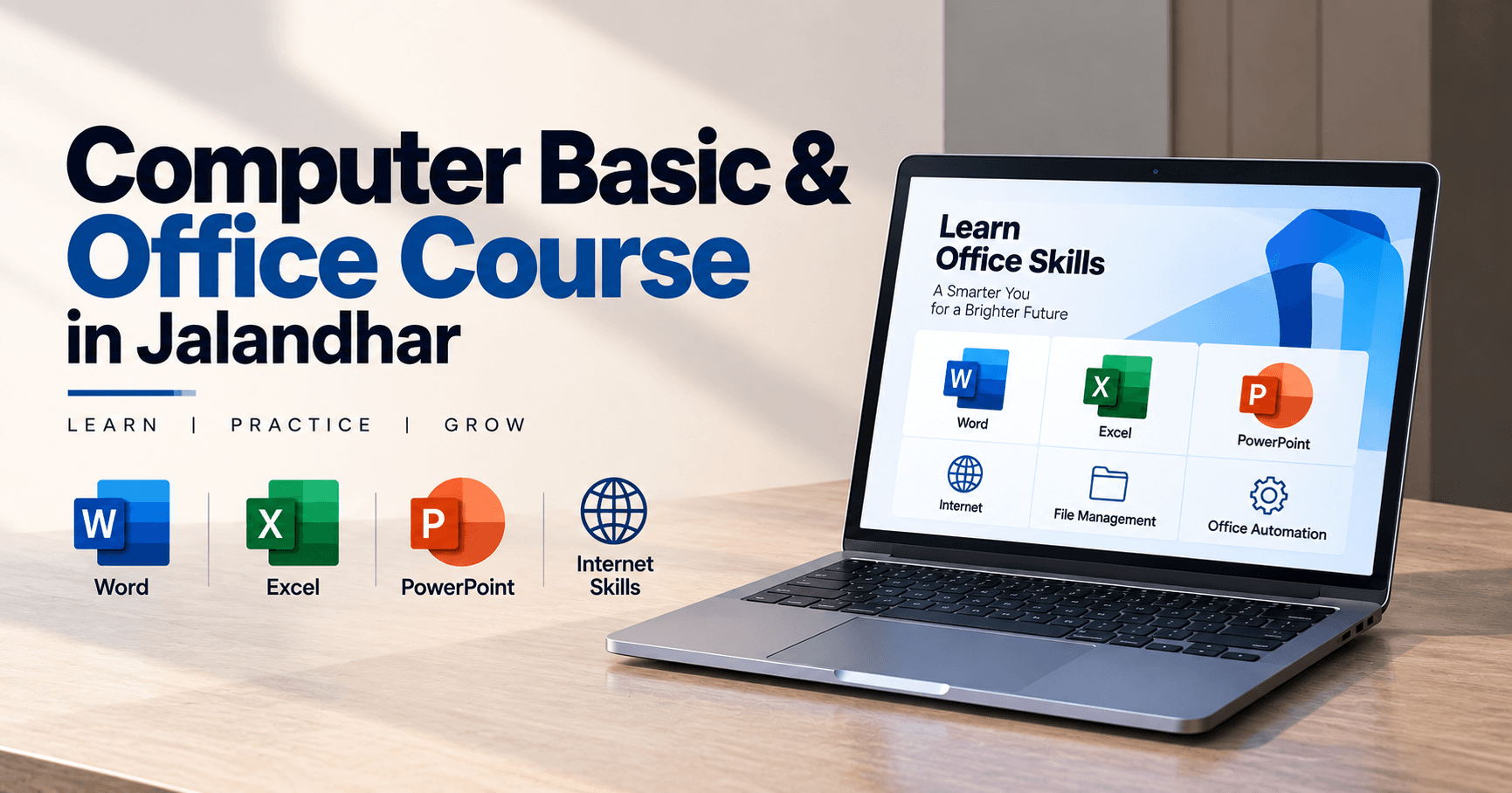
Learn Computer Basic & Office skills in Jalandhar at techcadd. Master MS Word, Excel, PowerPoint, typing, internet, email, and practical office tasks.
On this page
- Learn Computer Skills from the Beginning
- Course Overview
- Computer Fundamentals Training
- Microsoft Word Training
- Microsoft Excel Training
- Microsoft PowerPoint Training
- Internet and Email Skills
- Typing and Data Entry Practice
- Practical Office Assignments
- Why Choose techcadd for Computer Basic & Office Course?
- Who Can Join the Course?
- Career Opportunities After Computer Office Training
- Future Scope of Computer Basic and Office Skills
- Enroll in Computer Basic & Office Course in Jalandhar
Computer knowledge has become an essential skill for students, job seekers, business owners, and working professionals. Almost every office, educational institute, company, and business uses computers for documentation, communication, data management, presentations, online services, and daily administrative work. Having a strong understanding of basic computer operations and office applications can improve productivity, confidence, and employment opportunities. techcadd offers a Computer Basic & Office Course in Jalandhar for beginners and learners who want to develop practical computer skills in a simple and structured way.
This course is designed to help students understand computer fundamentals and learn how to use commonly required office software. From operating a computer and managing files to creating documents, preparing spreadsheets, designing presentations, and using the internet, learners receive practical training that can be applied in academic, professional, and personal activities.
Learn Computer Skills from the Beginning
The Computer Basic & Office Course in Jalandhar at techcadd is suitable for learners who have limited or no previous computer experience. The training starts with basic concepts and gradually introduces important office applications. Students learn through demonstrations, practice exercises, assignments, and real-life examples.
The course helps learners become comfortable with computer hardware, software, operating systems, keyboard and mouse operations, file management, typing, internet browsing, email communication, and office productivity tools. The objective is to make students independent and confident while performing common computer-related tasks.
Course Overview
The course covers the basic computer concepts and office applications needed in schools, colleges, offices, businesses, and government-related work. Students learn how to operate a computer, create and organize files, prepare professional documents, work with data, and develop presentations.
Important topics covered during the course include:
Introduction to computers
Types of computers and their uses
Computer hardware and software
Input and output devices
CPU, memory, storage, and operating systems
Keyboard and mouse practice
Desktop, taskbar, icons, and windows
Creating, saving, copying, and deleting files
Folder management and file organization
Basic computer settings
Windows operating system
Internet browsing and search techniques
Email creation and communication
Downloading and uploading files
Online forms and digital services
Microsoft Word
Microsoft Excel
Microsoft PowerPoint
Basic typing and formatting
Printing and document management
Practical assignments and office projects
Computer Fundamentals Training
Computer fundamentals are the foundation of this course. Students learn how a computer works and understand the purpose of its major components. The training explains the difference between hardware and software, the role of the operating system, and the use of common input and output devices.
Learners practice starting and shutting down a computer, using the keyboard and mouse, opening applications, switching between windows, and managing the desktop. They also learn how to create folders, rename files, move documents, copy data, and organize information properly.
These skills are useful for students completing assignments, office employees managing documents, and beginners who want to use computers confidently in their daily lives.
Microsoft Word Training
Microsoft Word is widely used for creating letters, resumes, applications, reports, notices, assignments, certificates, and official documents. The course provides practical training in Word so that students can prepare professional and well-formatted documents.
Students learn how to type and edit text, change fonts, apply text formatting, adjust paragraph alignment, insert tables, add images, create headers and footers, and manage page layouts. They also practice using bullets, numbering, page borders, page breaks, and document themes.
Important Microsoft Word topics include:
Creating and saving documents
Text editing and formatting
Font styles, size, and color
Paragraph alignment and spacing
Bullets and numbering
Page margins and orientation
Tables and table formatting
Inserting pictures and shapes
Headers and footers
Page numbers
Find and replace
Spell check and grammar tools
Resume and application writing
Printing and PDF conversion
Through practical assignments, learners can prepare resumes, business letters, school projects, office reports, and other useful documents.
Microsoft Excel Training
Microsoft Excel is an important office application used for calculations, data entry, records, reports, attendance sheets, salary details, budgets, and business management. The Computer Basic & Office Course in Jalandhar introduces students to Excel through simple examples and practical exercises.
Learners understand rows, columns, cells, worksheets, and workbooks. They practice entering data, formatting tables, adjusting column widths, applying borders, and creating organized spreadsheets. The course also introduces basic formulas and functions used for everyday calculations.
Excel topics may include:
Creating and saving workbooks
Entering and editing data
Cell formatting
Rows and columns
Basic mathematical operators
SUM function
AVERAGE function
MIN and MAX functions
COUNT function
Percentage calculations
Sorting and filtering data
Creating simple charts
Page setup and printing
Attendance and salary sheets
Expense and budget sheets
Students learn how to prepare practical spreadsheets for personal, academic, and professional use. These skills are helpful for office assistants, accountants, data entry operators, students, and business employees.
Microsoft PowerPoint Training
Microsoft PowerPoint is used to create presentations for classrooms, meetings, seminars, training sessions, and business discussions. Students learn how to prepare attractive and informative presentations using text, images, shapes, tables, charts, and slide designs.
The training covers creating slides, selecting layouts, applying themes, adding transitions, inserting pictures, and presenting information clearly. Learners also practice preparing presentations on educational topics, business ideas, project reports, and professional subjects.
PowerPoint training includes:
Creating a new presentation
Slide layouts and themes
Adding and formatting text
Inserting images and shapes
Tables and charts
Slide transitions
Basic animation effects
Speaker notes
Presentation views
Slide show settings
Preparing professional presentations
This knowledge helps students deliver better presentations and communicate ideas more effectively.
Internet and Email Skills
Internet and email knowledge is essential for modern education and office work. The course introduces learners to web browsers, search engines, online information, email communication, and basic digital services.
Students learn how to search for reliable information, create and manage an email account, send and receive messages, attach documents, download files, and organize their inbox. They also understand basic online safety practices such as using strong passwords, avoiding suspicious links, and protecting personal information.
The training may also include basic guidance on online applications, digital payments awareness, online forms, cloud file sharing, and accessing educational or government websites.
Typing and Data Entry Practice
Typing is an important part of computer literacy. Students are encouraged to practice keyboard operations, correct finger placement, typing accuracy, and typing speed. The course helps learners become more comfortable while entering information into documents, spreadsheets, forms, and online applications.
Data entry practice may include entering names, addresses, contact details, numerical information, attendance records, and office data. Learners also practice using shortcut keys, editing mistakes, and maintaining accuracy while typing.
Improved typing and data entry skills can help students perform office tasks faster and reduce errors.
Practical Office Assignments
Practical assignments help students apply their learning to real situations. During the course, learners can work on documents, spreadsheets, presentations, and other office-related activities.
Possible practical assignments include:
Creating a professional resume
Preparing an office application
Designing a formal business letter
Creating a school or college project
Preparing an attendance sheet
Creating a monthly expense report
Designing a salary calculation sheet
Preparing a PowerPoint presentation
Creating a simple business quotation
Organizing files and folders
Sending documents through email
Preparing printable office documents
These assignments help students improve their speed, accuracy, formatting skills, and confidence in using office software.
Why Choose techcadd for Computer Basic & Office Course?
techcadd provides a beginner-friendly learning environment where students can learn computer operations and office applications through practical training. The course is designed to make difficult concepts easy to understand and encourages learners to practice every topic.
Benefits of joining techcadd include:
Basic-to-advanced learning approach
Practical computer lab training
Simple explanations for beginners
Training in MS Word, Excel, and PowerPoint
Keyboard and typing practice
Internet and email guidance
Regular assignments and exercises
Office-based practical projects
Trainer support and doubt clarification
Certificate-oriented learning
Career guidance for entry-level roles
The training helps learners build a strong foundation before moving toward advanced computer courses, accounting software, graphic designing, web development, or other professional skills.
Who Can Join the Course?
The Computer Basic & Office Course in Jalandhar is suitable for:
Students after 8th, 10th, or 12th
College students
Beginners with no computer experience
Job seekers
Office assistants
Data entry learners
Homemakers
Business owners
Senior learners
Working professionals
Individuals preparing for competitive exams
Anyone who wants to improve computer literacy
Basic reading and writing skills are helpful, but no advanced technical background is required to join the course.
Career Opportunities After Computer Office Training
Computer and office application skills are useful in many entry-level jobs and administrative roles. After completing the course, learners can apply for positions where basic computer operations, document preparation, data entry, and office software knowledge are required.
Possible job profiles include:
Computer Operator
Data Entry Operator
Office Assistant
Back Office Executive
Computer Lab Assistant
Documentation Executive
Receptionist
Administrative Assistant
Office Coordinator
Billing Assistant
Junior Clerk
Customer Support Executive
The course can also help students prepare for computer-based examinations and improve their performance in office-related interviews.
Future Scope of Computer Basic and Office Skills
Computer literacy is useful across almost every career field. As offices and businesses continue to adopt digital systems, employees are expected to prepare documents, manage records, communicate through email, and work with spreadsheets and presentations.
After completing the basic course, learners can continue with advanced Excel, Tally, graphic designing, digital marketing, web development, programming, data analytics, or other professional computer courses. Building additional skills can improve career growth and create more specialized employment opportunities.
Enroll in Computer Basic & Office Course in Jalandhar
If you want to develop essential computer knowledge and learn office applications through practical training, techcadd offers a Computer Basic & Office Course in Jalandhar for beginners, students, job seekers, and professionals. The course helps learners understand computer fundamentals, create professional documents, manage spreadsheets, prepare presentations, and perform common digital tasks with confidence.
Join techcadd to improve your computer skills, increase workplace productivity, prepare for entry-level opportunities, and build a strong foundation for advanced computer learning.
Computer Basic & Office Course in Jalandhar
Learn MS Word, Excel, PowerPoint, Internet Skills, and Office Automation through practical training at Techcadd Jalandhar.
Have a questionabout this?
Leave your number and a counsellor will call you back — about batch timings, fees, EMI options, placement record, or which track fits your degree.
- Free career counselling, no registration fee
- Weekday, evening, weekend or 1-on-1 batches
- Internship letter and placement support
Ready to get started?
Start building yourcareer today.
Talk to a counsellor today. One call is usually enough to know which track fits your degree, your schedule and the job you want.
- Free career counselling
- No registration fee
- Placement support included