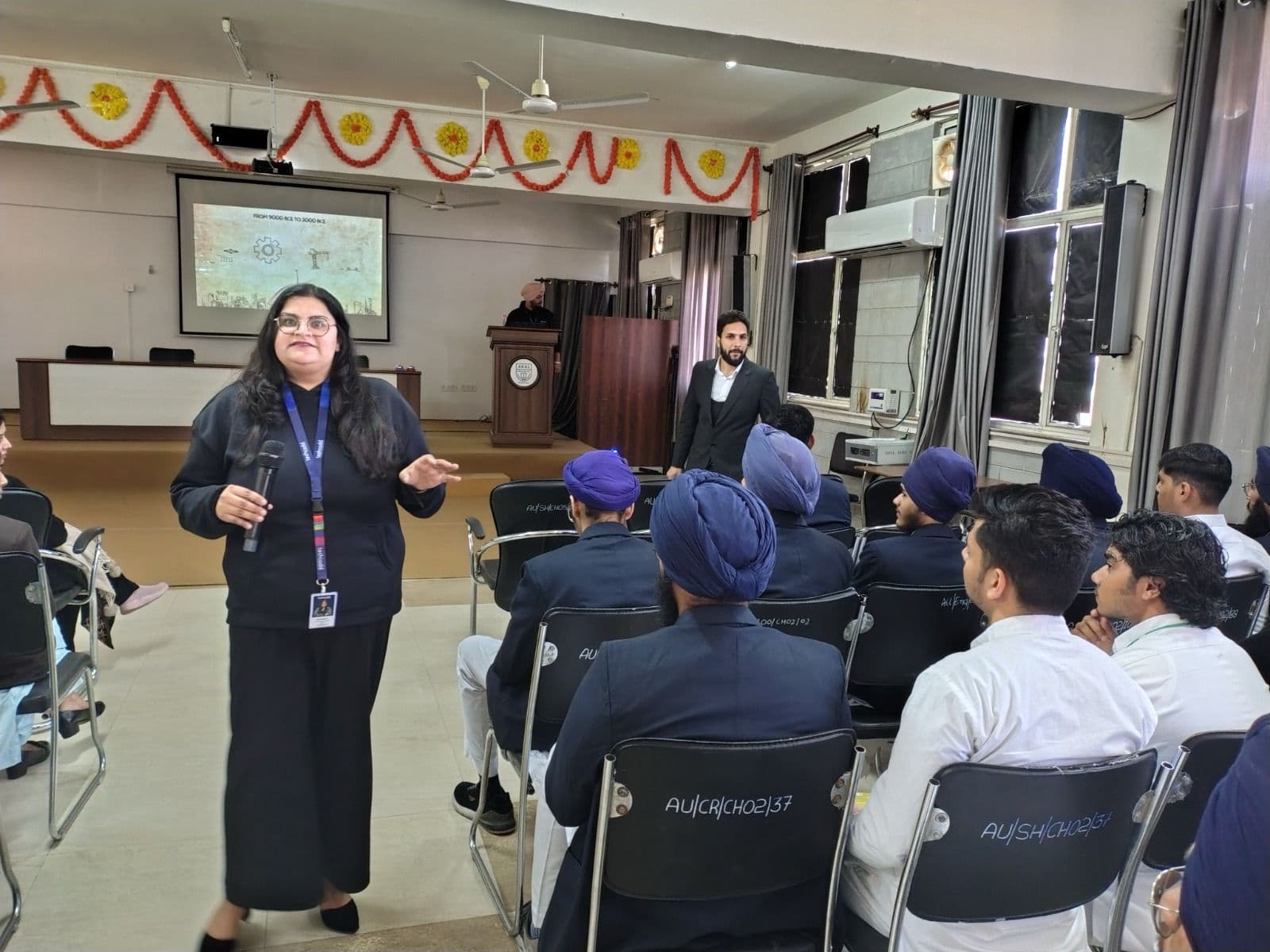
 Seminar
Hands-On AutoCAD Drafting Session
A practical, instructor-led AutoCAD session focused on essential 2D drafting commands, layer management, dimensioning, and creating accurate technical layouts from scratch.
Jalandhar
A hands-on workshop covering mobile and web app interface design, layout systems, and interactive prototyping to turn concepts into clickable user flows.
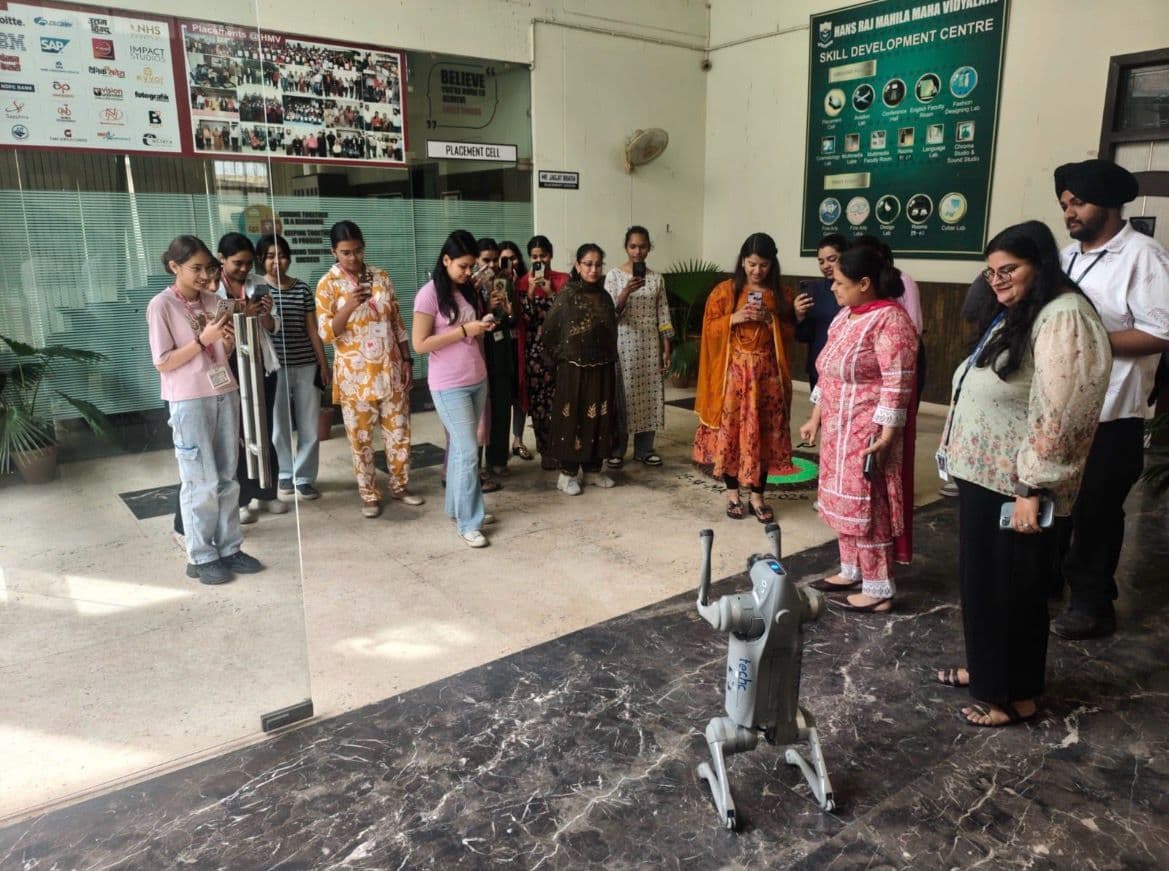
Great mobile and web applications rely on clean interfaces and seamless user flows before a single line of production code is written.
This practical workshop walks participants through the end-to-end process of designing modern app interfaces and building interactive prototypes. Ideal for students, aspiring UI/UX designers, and developers, the session focuses on practical layout techniques, component-based design, and rapid prototyping workflows.
What this workshop covers:
Mobile & Web Interface Foundations: Grids, spacing, typography, color hierarchy, and responsive layouts.
Component-Based UI Design: Creating reusable buttons, cards, navigation bars, and design tokens for faster workflows.
Interactive Prototyping: Connecting screens with transitions, micro-interactions, and user flows to simulate a live app.
Design Handoff & Feedback: Preparing clean design specs for developers and running quick usability checks.
Who it is for: Beginners, design enthusiasts, and front-end developers looking to build portfolio-ready app interfaces.
What to bring: A laptop with a modern web browser and a free Figma account set up prior to the session.Great mobile and web applications rely on clean interfaces and seamless user flows before a single line of production code is written.
This practical workshop walks participants through the end-to-end process of designing modern app interfaces and building interactive prototypes. Ideal for students, aspiring UI/UX designers, and developers, the session focuses on practical layout techniques, component-based design, and rapid prototyping workflows.
What this workshop covers:
Mobile & Web Interface Foundations: Grids, spacing, typography, color hierarchy, and responsive layouts.
Component-Based UI Design: Creating reusable buttons, cards, navigation bars, and design tokens for faster workflows.
Interactive Prototyping: Connecting screens with transitions, micro-interactions, and user flows to simulate a live app.
Design Handoff & Feedback: Preparing clean design specs for developers and running quick usability checks.
Who it is for: Beginners, design enthusiasts, and front-end developers looking to build portfolio-ready app interfaces.
What to bring: A laptop with a modern web browser and a free Figma account set up prior to the session.


 Seminar
A practical, instructor-led AutoCAD session focused on essential 2D drafting commands, layer management, dimensioning, and creating accurate technical layouts from scratch.
SeminarTake your very first steps into programming with Python in this friendly, hands-on workshop designed absolute beginners.
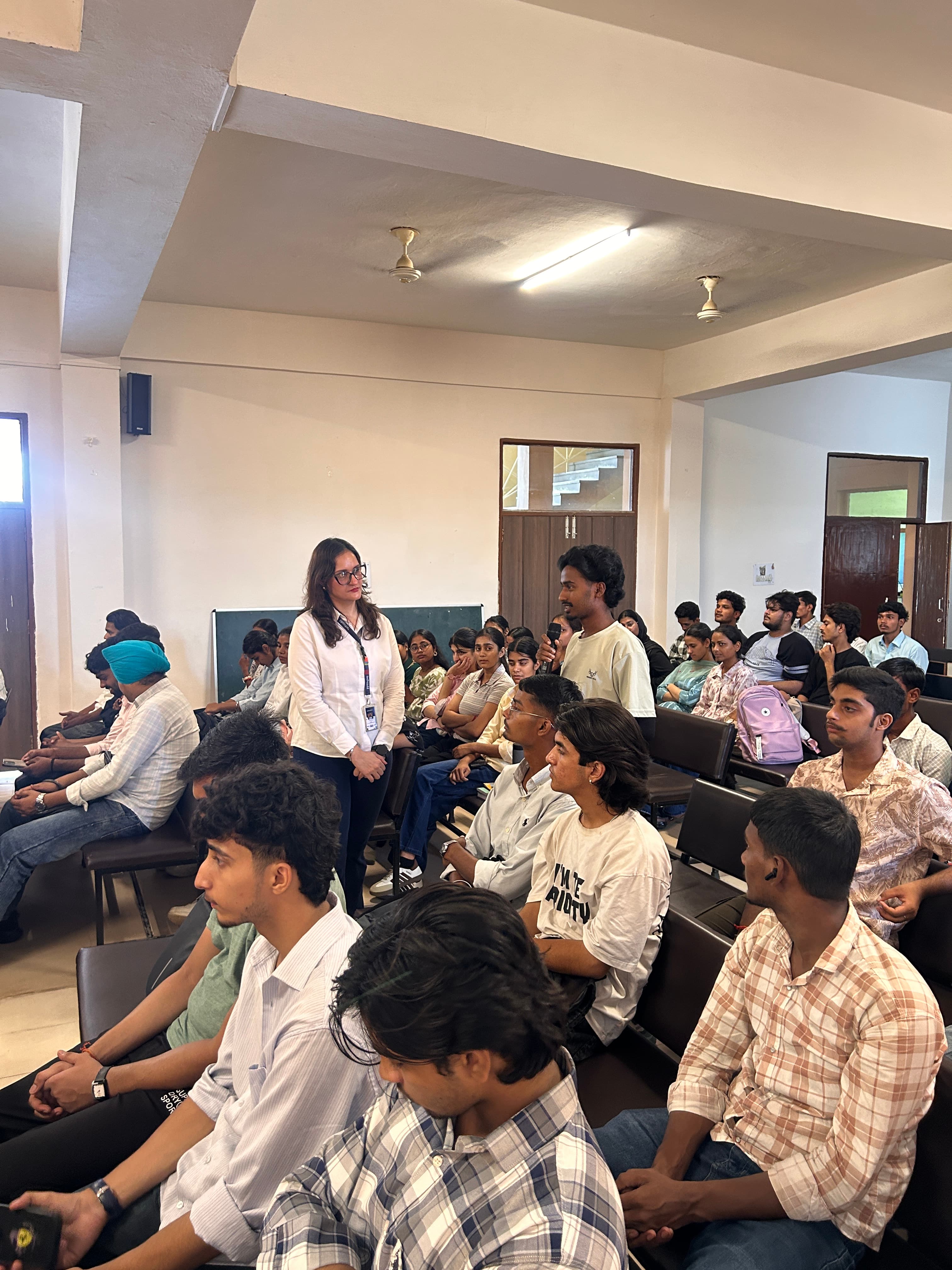 Seminar
Discover how modern web applications are built from the ground up, connecting seamless front-end interfaces with powerful back-end systems.
Ready to get started?
Talk to a counsellor today. One call is usually enough to know which track fits your degree, your schedule and the job you want.