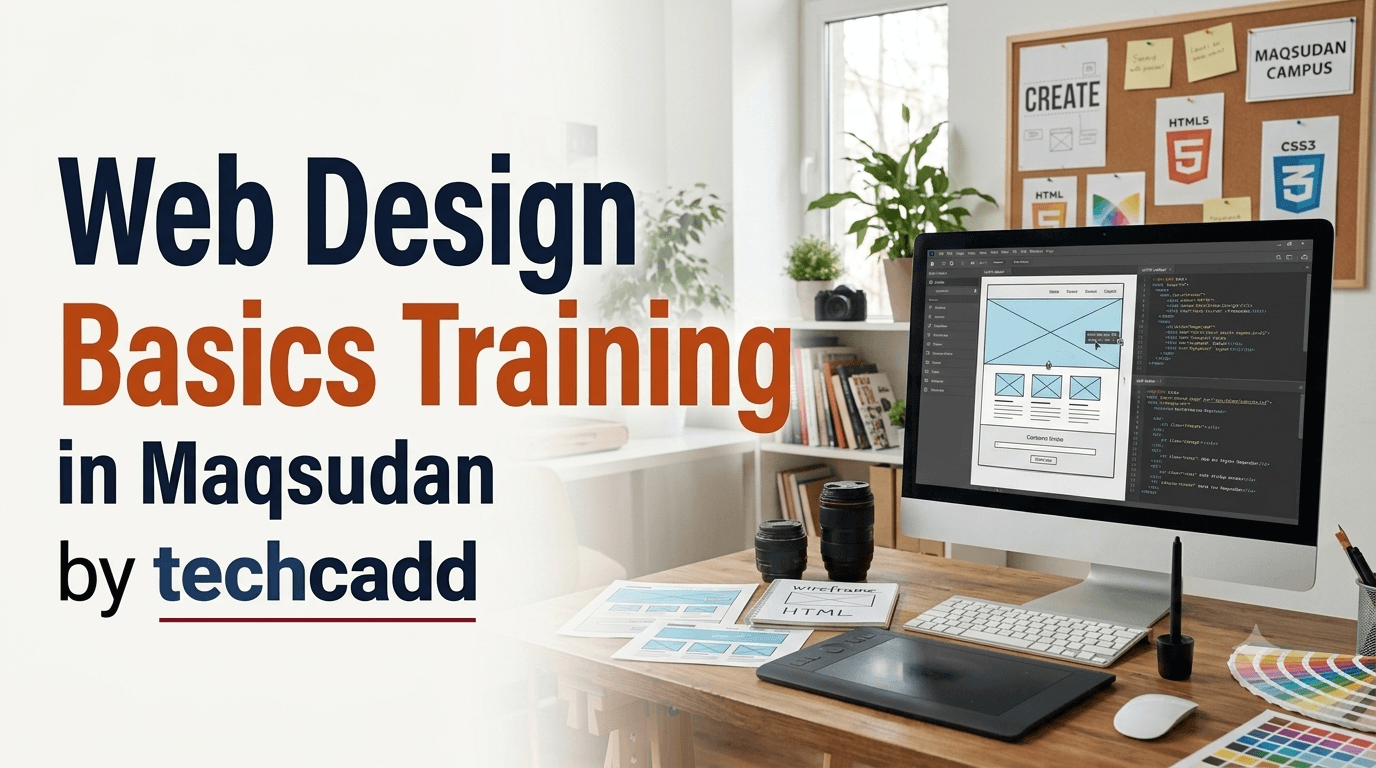
Web Design Basics Training in Maqsudan | techcadd
Learn Web Design Basics in Maqsudan at techcadd. Master HTML, CSS, responsive design, basic JavaScript, layouts, website creation through practical training.
On this page
- Web Design Basics Training in Maqsudan
- Course Overview
- HTML for Website Structure
- CSS for Website Styling
- Responsive Web Design
- Introduction to JavaScript
- Web Design Principles
- Practical Web Design Training
- Website Design Projects
- Who Can Join This Training?
- Skills You Will Develop
- Career and Learning Opportunities
- Why Choose techcadd in Maqsudan?
- Enroll in Web Design Basics Training in Maqsudan
Web Design Basics Training in Maqsudan
A well-designed website is an important part of a modern business, organization, educational institute, personal brand, or online service. Learning the basics of web design gives students the ability to create attractive, organized, and user-friendly websites while developing a strong foundation for advanced web development. techcadd offers practical Web Design Basics Training in Maqsudan for beginners, students, job seekers, and anyone interested in learning how websites are designed and developed.
The training introduces learners to the fundamental technologies and principles behind website creation. Students learn how web pages are structured using HTML, styled using CSS, and made more interactive with basic JavaScript concepts. Along with coding, the course focuses on page layout, typography, colors, responsive design, user experience, and practical website creation.
Course Overview
The Web Design Basics Training at techcadd is structured for learners who want to start their journey in web design from the fundamentals. The course follows a step-by-step approach so beginners can understand how different elements of a website work together.
Students learn how to create website pages, structure content, style layouts, add images and links, create navigation menus, and build responsive designs that work across different screen sizes.
Key areas covered include:
Introduction to web design
How websites and web browsers work
HTML fundamentals
HTML tags and elements
Headings, paragraphs, and lists
Links and navigation
Images and multimedia
Tables and forms
CSS fundamentals
Selectors and properties
Colors, backgrounds, and fonts
Margins, padding, and borders
Box model
Website layouts
Flexbox basics
Responsive web design
Media queries
Introduction to JavaScript
Basic website interactions
Website testing and publishing
HTML for Website Structure
HTML, or HyperText Markup Language, is the foundation of web pages. Students learn how HTML is used to organize and structure website content.
The training covers commonly used HTML elements such as:
Headings
Paragraphs
Lists
Links
Images
Tables
Forms
Buttons
Div and semantic elements
Audio and video
Basic page structure
Learners practise creating individual web pages and connecting multiple pages to form a basic website.
CSS for Website Styling
CSS is used to control the visual appearance of a website. Students learn how to apply colors, fonts, spacing, borders, backgrounds, and layouts to HTML elements.
Important CSS topics include:
CSS syntax
Selectors
Colors
Backgrounds
Fonts and typography
Borders
Margins and padding
Box model
Width and height
Display properties
Positioning
Flexbox basics
Responsive styling
Through practical exercises, students learn how to turn a basic HTML page into a visually appealing website.
Responsive Web Design
Modern websites need to work properly on desktops, laptops, tablets, and smartphones. Responsive web design helps websites automatically adjust their layouts according to different screen sizes.
Students learn the fundamentals of responsive design, including:
Mobile-friendly layouts
Flexible containers
Responsive images
Media queries
Flexible grids
Responsive typography
Mobile navigation concepts
Testing websites on different screen sizes
This helps learners understand how to create websites that provide a better experience across different devices.
Introduction to JavaScript
The course provides an introduction to JavaScript so learners can understand the basics of adding interaction to web pages.
Students are introduced to:
JavaScript fundamentals
Variables
Data types
Operators
Conditions
Functions
Basic events
Simple user interactions
Basic form validation
The focus remains on beginner-level concepts so that learners can understand how JavaScript complements HTML and CSS.
Web Design Principles
Good web design is not only about writing code. Students also learn fundamental design principles that help make websites visually organized and easy to use.
The training introduces:
Basic layout principles
Color selection
Typography
Visual hierarchy
Spacing
Alignment
Consistency
Navigation
User-friendly interfaces
Basic accessibility considerations
Learners are encouraged to think about how users interact with a website while creating page layouts.
Practical Web Design Training
techcadd emphasizes hands-on learning so students can apply each concept while practising on a computer. Instead of only studying HTML and CSS syntax, learners create actual web pages and small website projects.
Practical exercises may include:
Personal profile webpage
Business homepage
Contact page
Product information page
Registration form
Portfolio webpage
Landing page
Multi-page website
Responsive website layout
Students practise writing and organizing code, identifying errors, improving page layouts, and testing their websites in a browser.
Website Design Projects
Projects help learners combine different concepts into a complete website. During practical sessions, students can work on projects that include multiple pages, navigation, images, forms, responsive layouts, and basic interactions.
A project may include:
Home page
About Us page
Services or Products page
Gallery section
Contact page
Navigation menu
Responsive layout
Contact or registration form
Project-based practice helps learners understand how individual web design skills come together to create a complete website.
Who Can Join This Training?
The Web Design Basics Training in Maqsudan is suitable for beginners who want to learn website design from the ground up.
The training can benefit:
Students after 10th or 12th
College students
Beginners interested in web design
Job seekers
Freelancers
Business owners
Digital marketing learners
Graphic designers interested in web design
Students preparing for IT courses
Anyone interested in creating websites
No advanced programming experience is required. Basic computer knowledge and an interest in learning technology are helpful.
Skills You Will Develop
After completing the Web Design Basics Training, learners can develop practical skills in:
HTML website structure
CSS website styling
Basic JavaScript
Responsive web design
Website layout creation
Typography and color usage
Navigation and page linking
Basic forms
Browser-based website testing
Website troubleshooting
Basic user interface design
Creating simple multi-page websites
These skills can provide a foundation for further learning in front-end development, UI/UX design, JavaScript, Bootstrap, PHP, or other web technologies.
Career and Learning Opportunities
Basic web design skills can be useful in many digital and technology-related areas. After completing the training, learners can continue developing their skills toward more advanced web technologies.
Possible areas include:
Web design
Front-end development
UI design
Website content management
Digital marketing
Freelance website design
WordPress website customization
Junior web development
Landing page design
Small business website creation
Career opportunities depend on practical skills, portfolio quality, educational qualifications, experience, and employer requirements. Building multiple projects and continuing to learn modern web technologies can help learners expand their capabilities.
Why Choose techcadd in Maqsudan?
techcadd provides practical, skill-based training for students, beginners, and aspiring IT professionals. The Web Design Basics Training is designed to make website creation easier to understand through structured lessons and hands-on practice.
Key features include:
Beginner-friendly learning approach
Practical computer-based sessions
Step-by-step HTML and CSS training
Responsive design practice
Introduction to JavaScript
Website design assignments
Project-based learning
Trainer guidance and support
Focus on practical skills
Course completion and certification support
The training environment helps learners practise concepts regularly and develop confidence in creating websites.
Enroll in Web Design Basics Training in Maqsudan
If you want to learn how websites are designed, understand HTML and CSS, explore responsive layouts, and start building your own web pages, join the Web Design Basics Training in Maqsudan at techcadd.
With practical exercises, guided instruction, and website projects, learners can build a strong foundation for further studies and careers in web design and development. Contact techcadd to learn about course duration, batch timings, admission details, and certification.
Start learning the fundamentals of web design and take your first step toward building modern, user-friendly websites.
Start Your Web Design Journey in Maqsudan
Learn the fundamentals of web design at Techcadd with practical training in HTML, CSS, responsive layouts, basic JavaScript, and website creation. Build creative, user-friendly websites and develop a strong foundation for your web development career.
Have a questionabout this?
Leave your number and a counsellor will call you back — about batch timings, fees, EMI options, placement record, or which track fits your degree.
- Free career counselling, no registration fee
- Weekday, evening, weekend or 1-on-1 batches
- Internship letter and placement support
Ready to get started?
Start building yourcareer today.
Talk to a counsellor today. One call is usually enough to know which track fits your degree, your schedule and the job you want.
- Free career counselling
- No registration fee
- Placement support included