Introductory practical training
Lessons, guided coding practicals and a mini app, with a mentor reviewing your code at regular checkpoints.
Use your summer or winter break to build your first Android and iOS app from one codebase. In 45 days you learn Dart and Flutter — widgets, layouts, navigation, state, REST APIs and Firebase — and finish with a small working app you can run, explain and keep improving.
Ask for the syllabus or session plan, fee, schedule and certificate criteria in writing before paying. If your college requires academic training, get its written approval first.
Overview
Mobile app development means designing, building and testing software that runs on phones. Flutter lets one Dart codebase produce Android and iOS apps, so a beginner can focus on skills that carry across platforms: clear screens, predictable state and reliable data. Forty-five days is a structured introduction that ends in one small, working app.
This is introductory practical training, not an employment internship. Some universities ask for summer or industrial training of a set length; whether this programme meets that requirement is for your college to decide, so check before you join.
Lessons, guided coding practicals and a mini app, with a mentor reviewing your code at regular checkpoints.
Many colleges require 4–6 weeks of summer or industrial training. Your department sets the rules, the documents and whether this programme counts.
An internship places you in supervised work inside an organisation. This training does not, and it does not include client apps or a stipend.
A good-looking screen can still crash on a slow network or lose data on restart. You learn to test and debug, not just copy UI tutorials.
Who can apply
An entry assessment checks your programming background so the pace suits you. Confirm eligibility, laptop requirements and any college permission before enrolling.
Turn programming and object-oriented subjects into a working Flutter app during a summer training window.
Build from C, Java or web basics toward Dart, Flutter screens and a first app that talks to an API.
Use a semester break to add cross-platform app development, Firebase and API integration to your skills.
Apply programming and data handling to app screens, local storage and cloud data.
An early start gives you a feel for app development before choosing electives or a longer programme. Some programming practice helps.
If you have not programmed before, expect extra Dart practice in the first week. The entry assessment sets realistic goals.
Why 45 days?
Forty-five days fits a summer or winter vacation and is long enough to learn Dart and Flutter basics, connect an app to data and finish a mini project. It is not long enough to master app development, and it promises no job, placement or academic credit.
Fits between semesters without competing with classes and examinations, so you can code steadily every day.
A small app that runs on an emulator or your own phone, with code on GitHub and a short report explaining it.
Variables, functions, classes, async code and debugging habits are useful in any language you study next.
Publishing, advanced state management and testing at scale belong in a longer programme. Forty-five days gives you the foundation.
Training does not guarantee a job, and only your college can decide whether it counts towards a requirement.
Tools & technologies
Taught in the order an app is built: the language first, then screens, then navigation and state, then data. Debugging runs through every topic. Ask for the session plan for your batch.
Variables, types, null safety, functions, classes, lists and maps, and async code with Future and await.
Stateless and stateful widgets, rows, columns, lists, forms and responsive layouts that work on different screen sizes.
Setting up Flutter, Android Studio or VS Code, emulators, hot reload and running the app on your own Android phone.
Moving between screens, passing data and simple state management so the interface updates predictably.
Calling an API, parsing JSON into Dart classes, handling loading and error states, and testing requests in Postman.
Firebase Authentication and Cloud Firestore basics, plus saving data on the device with SQLite or shared preferences.
Reading a Figma design, matching spacing and colours, and keeping a simple, consistent style.
A short introduction to native Android with Kotlin, so you understand where Flutter fits.
Syllabus & learning roadmap
The pace depends on your entry assessment. Each day follows the same pattern: a clear objective, a guided practical, an independent task and a mentor checkpoint. Confirm contact hours and lab or laptop arrangements for your batch.
Entry assessment, installing Flutter and an editor, running an emulator, then Dart variables, types, conditions, loops and functions. Outcome: small Dart console exercises.
Null safety, classes and objects, lists and maps, and async code with Future and await. Outcome: a Dart program that models a small app's data.
Stateless and stateful widgets, rows, columns, lists, images, themes and forms, built from a simple Figma design. Outcome: a multi-section static screen.
Multiple screens, passing data, form validation and simple state management. Outcome: a working to-do or notes app with several screens.
HTTP requests, parsing JSON into models, loading and error states, and testing endpoints in Postman. Outcome: an app screen that shows live data from a public API.
Firebase Authentication and Firestore basics, saving data with SQLite, version control with Git and GitHub, and a short look at Kotlin. Outcome: login and stored data in a sample app.
Plan, build and test one small app of your own: screens, navigation, data and error handling, run on an emulator or your phone. Outcome: a working mini app on GitHub, a project report, a short demo and mentor feedback.
Course vs training vs internship
Colleges use “summer training”, “industrial training” and “internship” differently. Your university handbook and department coordinator decide what counts — not the programme title.
Mini project
Certificate & deliverables
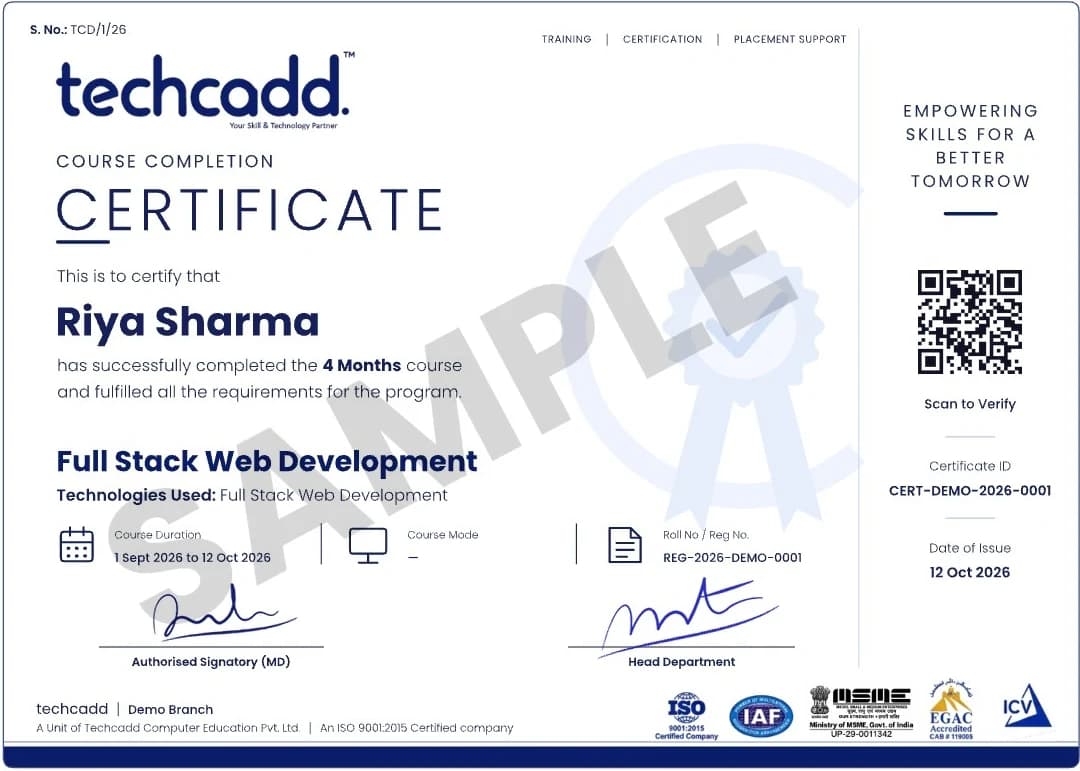
Issued on finishing the programme, with a QR code and certificate ID anyone can verify.
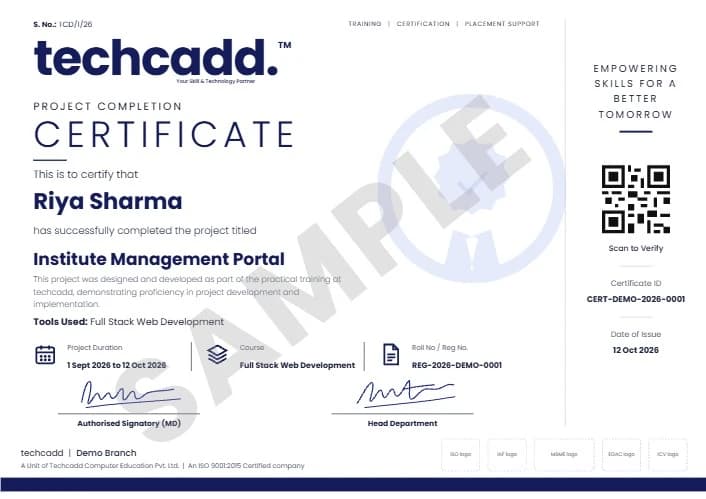
A separate certificate naming the live project you designed and built during training.
Project ideas
Each is sized for the last week of a 45-day programme: a few screens, one source of data and proper error handling, documented in a short report.
Add, complete and delete tasks, saved on the device with SQLite.
Firebase Authentication and notes stored in Firestore for each user.
Live weather from a public API, with loading and error states.
Record expenses by category and show monthly totals.
Questions from a JSON file, score tracking and a results screen.
Browse and search recipes from a public API with a detail screen.
A list of sample events with details, filters and favourites.
Daily check-ins with a simple streak count stored locally.
Length, weight and temperature conversion with input validation.
How to apply
Six steps, so you know what is agreed before you pay and how you are assessed at the end.
Share your degree, semester, preferred start date and whether your college requires academic training.
Discuss your goals, the batch or self-study format, timings, fee, laptop needs and the documents you need.
A short entry assessment of your programming background sets your starting point and pace.
Agree the session plan and mini app direction in writing before registration.
Meet your mentor, set up Flutter and your editor, and learn the daily routine and checkpoint schedule.
Attendance is recorded, the mini app is evaluated and you receive written feedback.
College requirements
Ask your training and placement cell which documents it needs before you pay, and ask techcadd to confirm which it can genuinely issue.
Requirements differ between universities and departments. If your college needs academic training, get its written approval before enrolling. A training certificate alone may not satisfy a university requirement.
Duration & batches
The most common window for 45 days of summer training after the even semester. Book early if your college has a fixed submission date.
A shorter break may need a more intensive daily plan. Ask how the 45-day schedule adapts to it.
Weekday batches move faster; weekend or part-time arrangements take longer to cover the same plan.
Ask for the actual start date, daily timings and holidays for your batch rather than relying on a banner.
Eligibility, fees & what is included
No fee is published here. Ask for the current fee in writing and exactly what it covers before you pay.
Basic computer skills and some programming practice in any language help. Complete beginners can join but should expect extra Dart practice; Android Studio needs a reasonably capable laptop.
Career scope
Forty-five days is a starting point. These are entry-level roles you might work towards with further study and practice — not roles this training promises:
This training does not guarantee employment or placement. Apps you build and can explain matter more than a certificate.
Add features to your mini app, build a second one and keep your GitHub active.
Learn proper state management, testing and app publishing through a dedicated Flutter or Kotlin course.
The natural next step is the six-month mobile app development programme, with time for a full capstone app.
Why students consider techcadd
Ask about the mentor's experience, batch size, lab time and code reviews — and ask to see sample student apps shared with permission.
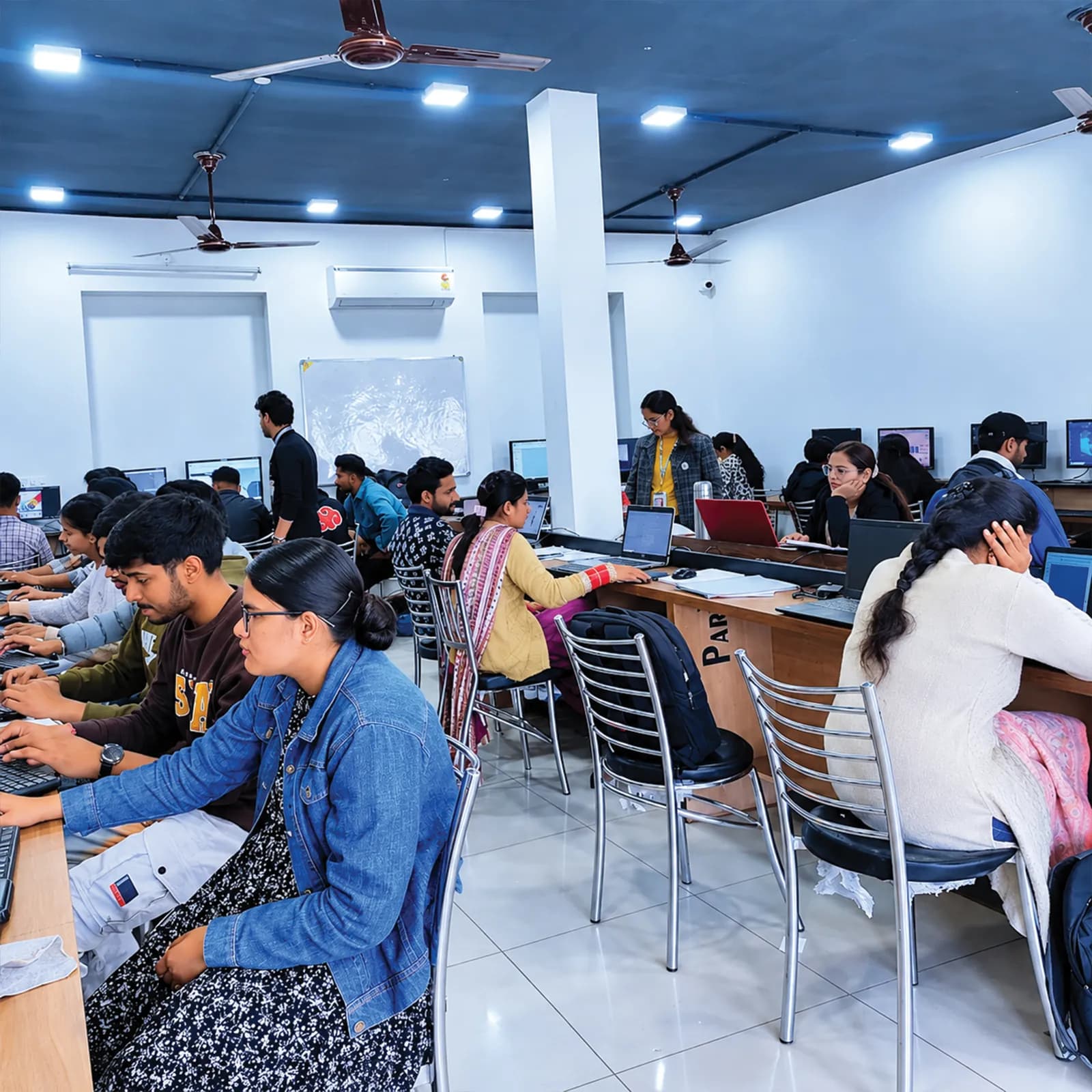
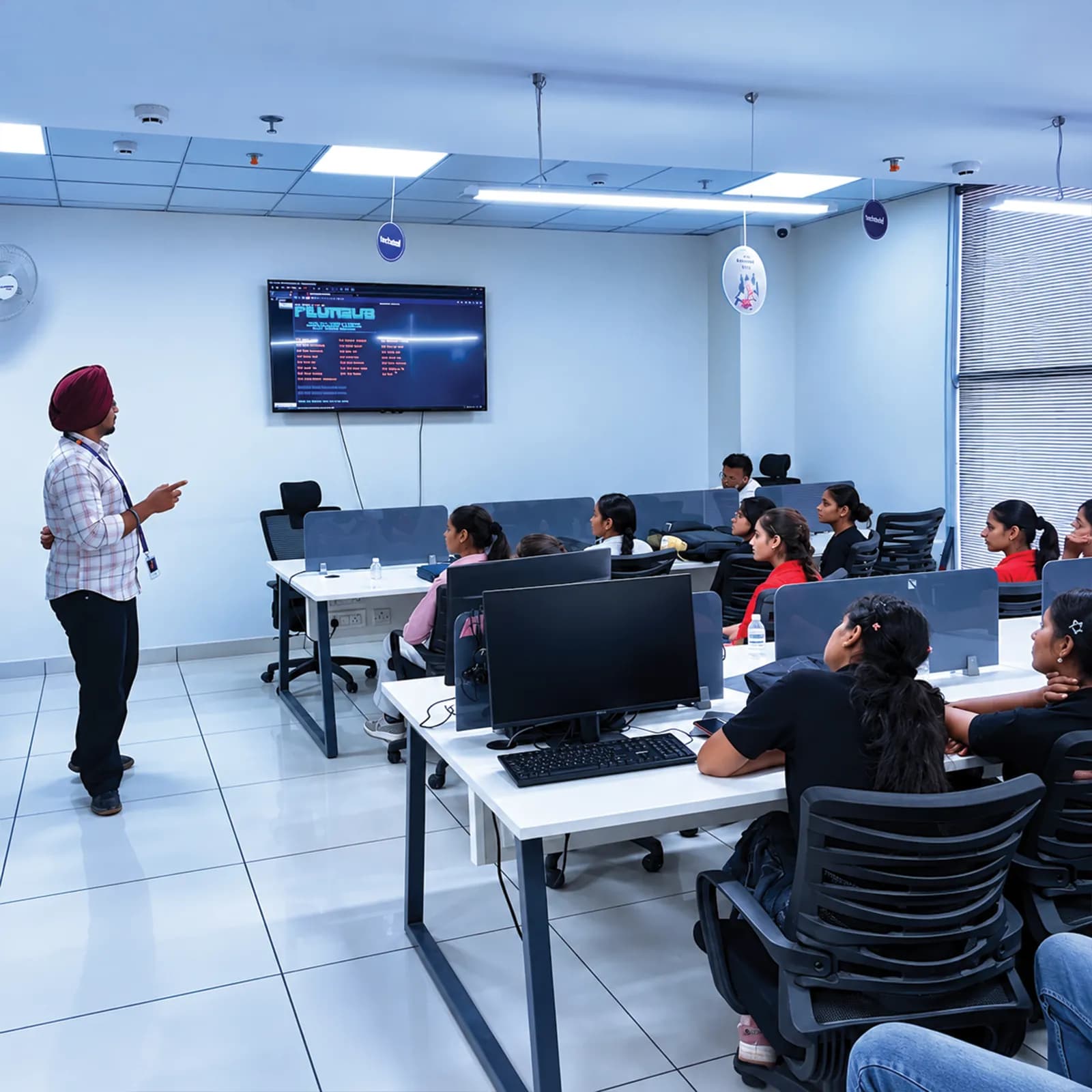
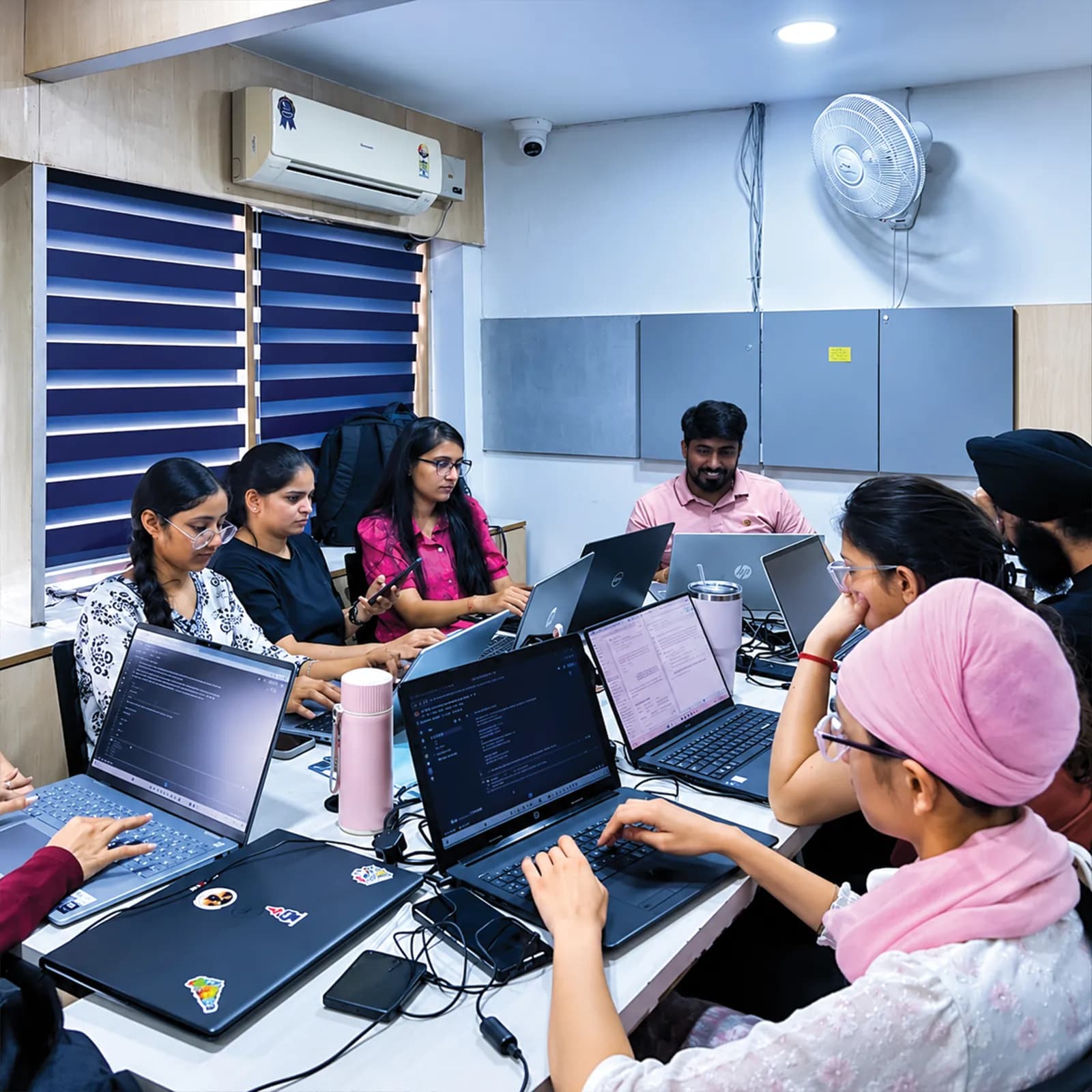
Objective, guided practical, independent task and mentor checkpoint, so you always know what each day is for.
Hands-on time with Flutter, Dart, Android Studio, Firebase, Postman, Figma and Git.
Fee, documents, certificate criteria and assessment explained in writing before admission.
Visit the centre, meet the mentors and look at the labs before you confirm a batch.
The centre is at 2nd Floor, Crystal Plaza, SCS 78, Opposite PIMS Hospital, Jalandhar. Check your travel time and daily timings against your vacation plans before you join.
techcadd Jalandhar — 2nd Floor, Crystal Plaza, SCS 78, Opposite PIMS Hospital, Jalandhar, Punjab 144001Frequently asked questions
Answers can differ by college, semester and batch — confirm any academic requirement directly with your institution.
It is enough for a structured introduction to Dart and Flutter and one small app. It is not enough to master app development; plan further practice or a longer programme.
Flutter builds Android and iOS apps from one Dart codebase, which suits a short programme. Kotlin is introduced briefly so you know where native Android fits.
Flutter code runs on both, but building and testing for iOS needs a Mac with Xcode. Most practice uses Android emulators or phones.
Publishing is outside a 45-day plan. It needs a developer account, store review and polish covered in longer programmes.
It is summer or winter practical training, not an employment internship. You are not placed in an organisation or paid a stipend.
Only your college can decide. Get its written approval before enrolling if you need academic training.
Ask techcadd which documents it can issue — joining letter, attendance record, completion certificate — and whether they can follow your college's format.
Ask about lab availability. For home practice, Android Studio and an emulator need a reasonably capable laptop; ask for the recommended specification.
Yes, if you have basic programming practice and time to code daily. The entry assessment sets your pace.
Yes, but expect extra Dart practice in the first week. The goal is a smaller app, not a lower standard.
It helps but is not required. Any programming practice makes Dart easier to pick up.
No. This is introductory training; it does not guarantee a job or placement.
No fee is published here. Ask for the current fee, taxes, materials and refund policy in writing.
Keep building apps, study Flutter or Kotlin further, or continue to the six-month mobile app development programme.
Send an enquiry from this page or call +91 98881 22254, share your degree and semester, and ask for the session plan and joining details.
techcadd Jalandhar is at 2nd Floor, Crystal Plaza, SCS 78, Opposite PIMS Hospital, Jalandhar, Punjab 144001. Visit for counselling before you confirm a batch.
Apply
Looking for 45 days mobile app development training in Jalandhar, Flutter summer training or a first app project? Tell us your degree, semester, college requirements and preferred start date, and ask for the session plan, fee and documents before you enrol.