6 month Android training in Jalandhar
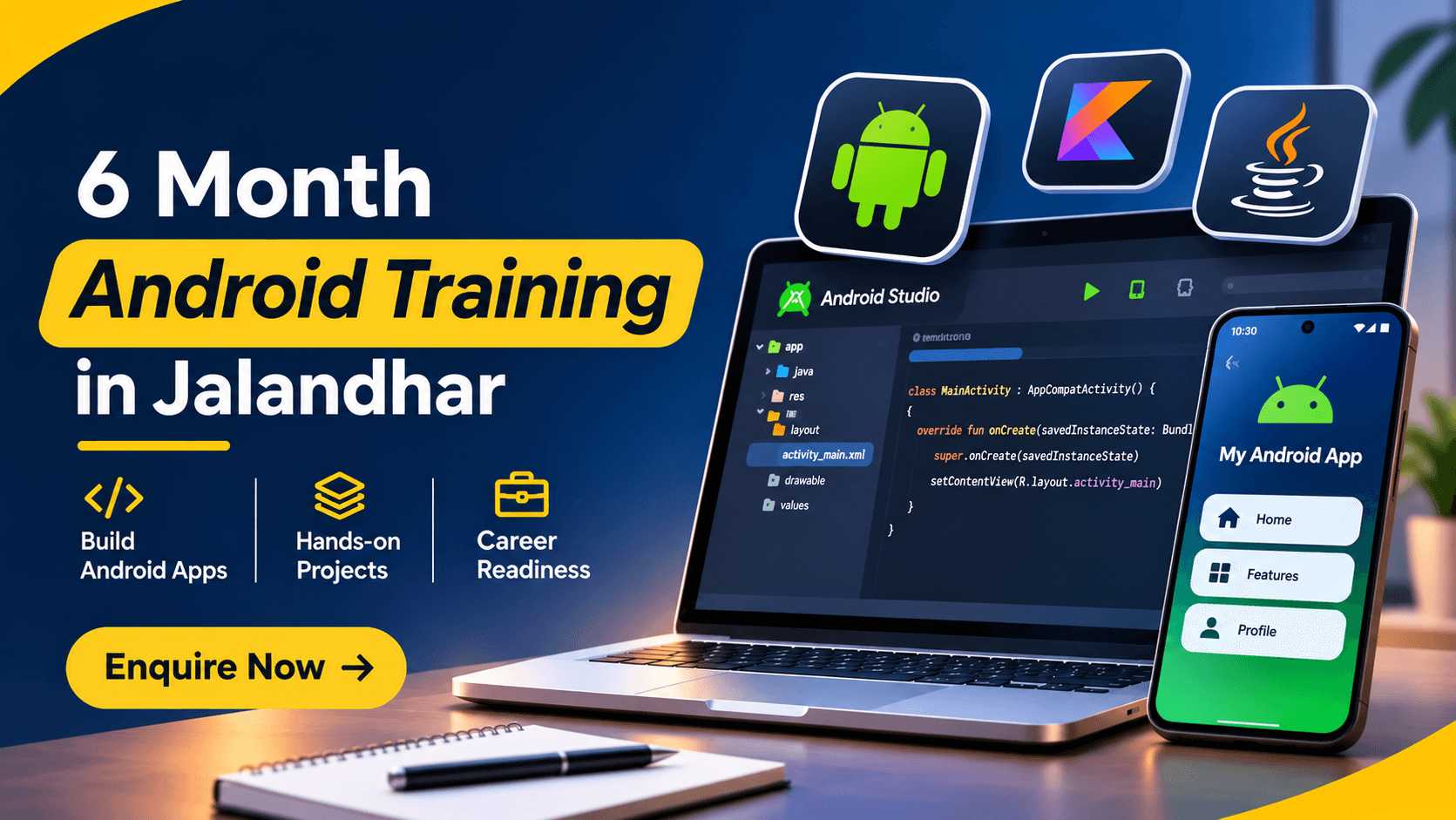
Join 6 Month Android Training in Jalandhar at techcadd. Learn Java, Kotlin, Android Studio, app development, databases and API integration.
On this page
- Build Your Future in Android Application Development
- What Is Android App Development?
- What Will You Learn During 6 Month Android Training?
- 1. Introduction to Android Development
- 2. Java or Kotlin Programming Fundamentals
- 3. Android Studio and Development Environment
- 4. Android UI Design and Layouts
- 5. Activities, Intents and Application Navigation
- 6. Database Management and Data Storage
- 7. API Integration and Internet Connectivity
- 8. Firebase Integration
- 9. Application Testing and Debugging
- 10. Android Application Deployment
- Tools and Technologies Used in Android Development
- Practical Android App Development Projects
- 1. Student Management Application
- 2. To-Do List Application
- 3. Login and Registration Application
- 4. Weather Application
- 5. E-Commerce Application
- 6. Expense Tracker Application
- Skills You Can Develop During Android Training
- Career Opportunities After Android Training
- Who Can Join 6 Month Android Training?
- Why Choose techcadd for Android Training in Jalandhar?
- Start Your Android Development Journey with techcadd Jalandhar
Build Your Future in Android Application Development
Smartphones have become an essential part of everyday life, and mobile applications are at the centre of this digital transformation. From shopping and banking to education, entertainment and business, Android apps help people access services with just a few taps.
Android application development involves designing, building and testing applications that run on Android devices. It combines programming, interface design, database management and application functionality to create useful mobile experiences.
The 6 Month Android Training in Jalandhar at techcadd is designed for students and aspiring developers who want to explore mobile application development. Learn programming fundamentals, Android development tools, application layouts, database connectivity and the process of building functional Android applications.
Whether you are a beginner, computer science student or aspiring mobile app developer, this training can help you develop practical technical skills and understand the Android development workflow.
What Is Android App Development?
Android app development is the process of creating software applications for devices that use the Android operating system.
Developers use programming languages, development environments and supporting technologies to build applications with different features.
An Android application may include user registration, login systems, navigation, notifications, database operations, API integration and interactive interfaces.
Android development skills are useful for creating applications for businesses, startups, educational platforms, e-commerce services and other digital products.
What Will You Learn During 6 Month Android Training?
1. Introduction to Android Development
Start with the fundamentals of Android application development. Understand how Android applications work, explore the development environment and learn about the basic structure of an Android project.
Topics include:
Introduction to Android.
Android application architecture.
Android development environment.
Application components.
Basic mobile development concepts.
2. Java or Kotlin Programming Fundamentals
Programming knowledge is essential for developing Android applications. Learn the concepts required to write application logic and manage different operations.
Explore:
Variables and data types.
Operators and expressions.
Conditional statements.
Loops and functions.
Object-oriented programming.
Classes and objects.
Collections and exception handling.
Kotlin and Java are commonly used languages in Android development. The specific language covered depends on the training curriculum.
3. Android Studio and Development Environment
Learn to work with Android Studio, the official integrated development environment used for Android application development.
Understand how to:
Create Android projects.
Explore project structure.
Manage application resources.
Write and organise code.
Use the emulator.
Run and debug applications.
4. Android UI Design and Layouts
An effective mobile application should provide a clear and user-friendly interface.
Learn how to design application screens and organise visual elements using Android UI components.
Topics include:
Layout design.
TextView and EditText.
Buttons and ImageView.
Lists and RecyclerView.
Navigation components.
Screen organisation.
Basic responsive interface concepts.
5. Activities, Intents and Application Navigation
Understand how different screens and components work together within an Android application.
Explore activities, intents, navigation and data transfer between screens. Learn how users move from one section of an application to another.
6. Database Management and Data Storage
Many applications need to store and retrieve user information. Learn the basics of managing application data.
Topics may include:
SQLite database fundamentals.
Room database concepts.
SharedPreferences.
Local data storage.
CRUD operations.
Managing application information.
7. API Integration and Internet Connectivity
Modern applications often connect with online services to retrieve information and perform operations.
Understand the fundamentals of API integration, HTTP requests, JSON data and internet connectivity.
Learn how applications communicate with external services and display retrieved information.
8. Firebase Integration
Explore Firebase services that can support Android application development.
Depending on the training curriculum, topics may include:
Firebase project setup.
Firebase Authentication.
Cloud Firestore.
Realtime Database.
User data management.
Cloud-based application services.
9. Application Testing and Debugging
Before an application is released, it needs to be tested for functionality and performance.
Learn how to identify errors, debug application code, test different screens and improve application behaviour.
10. Android Application Deployment
Understand the basic process of preparing an Android application for distribution.
Explore application configuration, build generation, APK and Android App Bundle concepts, testing and release preparation.
Tools and Technologies Used in Android Development
Android developers work with different tools and technologies throughout the application development process.
Android Studio: Development environment for creating Android applications.
Kotlin: Modern programming language widely used for Android development.
Java: Programming language used in Android application development.
XML: Used in traditional Android interface layout development.
SQLite: Database technology for local data storage.
Firebase: Platform offering backend services for mobile applications.
Git and GitHub: Tools for version control and project collaboration.
Postman: Useful for testing APIs and understanding application communication.
Practical Android App Development Projects
Practical projects help learners understand how programming concepts are used in real applications.
During training, you can explore projects such as:
1. Student Management Application
Create an application to manage student information, records and basic operations.
2. To-Do List Application
Develop a task management app that allows users to add, update, delete and organise tasks.
3. Login and Registration Application
Build user authentication screens and understand how application data can be managed.
4. Weather Application
Explore API integration to retrieve and display weather information.
5. E-Commerce Application
Understand product listings, application navigation, shopping interfaces and basic user interactions.
6. Expense Tracker Application
Create an application to record expenses, organise transactions and display financial information.
These projects can help you practise application development concepts and build a portfolio demonstrating your technical abilities.
Skills You Can Develop During Android Training
The six-month training can help you work towards developing:
Android application development fundamentals.
Java or Kotlin programming.
Object-oriented programming.
Mobile interface design.
Database management.
API integration.
Firebase fundamentals.
Application testing and debugging.
Problem-solving and logical thinking.
Project development and documentation.
Career Opportunities After Android Training
Android development skills can support different career paths within the mobile application and software development industry.
After developing practical abilities and building a project portfolio, you can explore opportunities such as:
Android Developer: Develops and maintains applications for Android devices.
Mobile Application Developer: Builds mobile applications using suitable development technologies.
Junior Android Developer: Assists with application development, testing and maintenance.
Kotlin Developer: Works with Kotlin-based application development.
Java Developer: Uses Java programming skills in software development projects.
Mobile App Testing Associate: Supports application testing and quality checks.
Freelance App Developer: Develops mobile applications for clients and businesses.
Career opportunities depend on your programming knowledge, practical projects, portfolio and technical experience.
Who Can Join 6 Month Android Training?
This training can be useful for:
BCA and MCA students.
B.Tech and computer science students.
BSc IT and related course students.
Beginners interested in mobile app development.
Students interested in Java or Kotlin programming.
Aspiring software developers.
Individuals interested in building Android applications.
Basic computer knowledge is helpful. Programming concepts can be introduced progressively for beginners.
Why Choose techcadd for Android Training in Jalandhar?
Learning Android development requires more than understanding programming syntax. You also need to know how application screens work, how data is managed and how different components connect.
At techcadd Jalandhar, learners can explore mobile application development concepts, programming fundamentals and relevant development tools through practical learning activities.
The training focuses on building technical understanding, working with application components and developing projects that demonstrate your progress.
Whether you want to create your own mobile application or explore a career in software development, building Android development skills can be a valuable step.
Start Your Android Development Journey with techcadd Jalandhar
Every useful mobile application begins with an idea and the technical skills to bring it to life.
Join the 6 Month Android Training in Jalandhar at techcadd and explore programming, Android Studio, UI development, databases, API integration and mobile application projects.
Develop your coding skills, practise application development and take your first steps towards building Android applications.
Enquire today to learn about the six-month training curriculum, software, practical projects, fees and admission details at techcadd Jalandhar.
Turn your app ideas into reality! Learn Android app development, Kotlin, Java, Android Studio, UI design, database integration and practical mobile application development with 6 Month Android Training at techcadd Jalandhar.
Enquire NowTurn Your App Ideas into Reality
Learn Android programming, application layouts, database connectivity and development fundamentals to understand how mobile applications are built.
Have a questionabout this?
Leave your number and a counsellor will call you back — about batch timings, fees, EMI options, placement record, or which track fits your degree.
- Free career counselling, no registration fee
- Weekday, evening, weekend or 1-on-1 batches
- Internship letter and placement support
Ready to get started?
Start building yourcareer today.
Talk to a counsellor today. One call is usually enough to know which track fits your degree, your schedule and the job you want.
- Free career counselling
- No registration fee
- Placement support included